I Tuned My Local AI Server. Then I Tried Ollama.
Vulkan, Flash Attention, speculative decoding, thread counts, and a custom service. After all that tuning, Ollama matched or slightly beat my Qwen3.8 setup on the same mini PC.
There is a particular kind of satisfaction in getting a language model running on your own hardware. The model loads. The GPU does something. Tokens start appearing. You own the machine, the files, the endpoint, and every questionable configuration decision between them.
Then you start tweaking.
That was me with Shuri, my Minisforum UM880 Plus. I had a native llama.cpp service running Qwen3.8-27B, a Vulkan backend, Flash Attention, a separate draft model, and a launcher full of settings I had deliberately chosen.
Eventually I asked a question I should have asked much earlier: how does this compare with the model I can just download and run through Ollama?
The answer was mildly embarrassing and very useful. Ollama generated code a little faster. Intel throughput was effectively tied. The longer fresh response took about the same time in both.
All that work, and I had not earned a clear performance advantage over the packaged option.
What I wanted this machine to do
The goal was practical. I wanted local models for intel work, blog writing, and lighter coding tasks: implementing plans that more capable models had already worked out. I was trying to build a useful local worker, not win a benchmark leaderboard.
Shuri has 96 GB of installed RAM and a Radeon 780M integrated GPU. That gives me room to experiment with model sizes, but fitting a model and serving it quickly are separate questions. The GPU uses shared system memory; this is a mini PC, not a dedicated inference server with a large discrete accelerator.
For this comparison, the model was Qwen3.8-27B in roughly four-bit form.
I use “native” here to mean my directly managed llama.cpp service. Ollama also runs locally. The comparison is between two installed serving configurations on the same machine.
The setup I had carefully assembled
My native launcher had quite a few knobs:
- A pinned llama.cpp build, b10982.
- UD Q4_K_M model weights.
- All model layers offloaded through Vulkan.
- Flash Attention enabled.
- A 32,768-token context and one concurrent request.
- Eight generation threads and sixteen batch threads.
- Batch size 2,048 and microbatch size 512.
- f16 KV cache and prompt caching.
- Separate Q4_0 MTP draft weights, with a maximum draft length of three.
Those settings lived behind a systemd service and an authenticated HTTP endpoint. There were model files to manage, a runtime version to keep track of, and consumers that knew where to find it.
Every individual choice had a reason. Together, they also created an assumption: surely this much attention would buy something over the convenient path.
The Ollama alternative was version 0.34.4, serving qwen3.8:27b with its packaged Q4_K_M model and draft setting of four.
It was not literally zero configuration. On this AMD integrated GPU, our Ollama service had Vulkan and integrated-GPU support explicitly enabled. For the test, I also set context size, thread count, sampling, and model residency. We checked that the model was fully placed on the GPU.
But I was taking responsibility for much less of the model packaging and launch configuration. A later inspection of the installed Ollama manifest identified its runner as llamacpp, too. This was direct management versus a packaged serving path, with different artifacts and settings—not proof that two entirely unrelated engines had raced.
First, fix the comparison
I wanted a useful answer to “which installation should I keep?” That required more care than sending a prompt to each endpoint and watching the screen.
We stopped competing GPU workloads and ran the two configurations sequentially. Each received the same rendered prompt string, with thinking disabled, temperature zero, seed 42, eight generation threads, and the same 32K context setting. Ollama received the rendered prompt in raw mode, so a second chat template would not quietly change the input.
There were three synthetic cases:
- A short coding request.
- A structured intel request that asked for JSON.
- A coding request with a longer supplied implementation plan.
Each had a 256-token output cap and two requests: a fresh prompt after model warm-up, then an immediate repeat. We recorded time to first text, total elapsed time, generation throughput, and cache information.
The first pass had a problem. Native prompt reuse was disabled while Ollama could reuse prefixes. That made the repeated-request comparison unfair.
We corrected it and ran the benchmark again. In the final pass, both runtimes started each case with zero cached prompt tokens. Both reused the same number of tokens on the repeat.
That correction was one of the most valuable parts of the exercise. A surprisingly fast second request can tell you more about cache state than about the engine you think you are comparing.
The numbers that changed my mind
These are mean server-reported generation rates from the two requests per workload:
| Workload | My native setup | Ollama | Difference |
|---|---|---|---|
| Short code | 11.93 tokens/s | 12.36 tokens/s | Ollama about 3.5% faster |
| Structured intel | 10.50 tokens/s | 10.47 tokens/s | Effectively tied |
| Code from a supplied plan | 10.40 tokens/s | 10.96 tokens/s | Ollama about 5.3% faster |
No dramatic collapse. No order-of-magnitude revelation. Both delivered roughly 10–12 tokens per second.
That made the result more interesting to me. My custom setup worked. It just did not work enough better to justify keeping a duplicate serving path for this model.
There was one result in native’s favor: time to first text on the longer fresh prompt.
| Longer plan prompt | Native | Ollama |
|---|---|---|
| Fresh time to first text | 14.123 s | 15.555 s |
| Fresh total response time | 38.640 s | 38.579 s |
| Cached time to first text | 0.431 s | 0.395 s |
| Cached total response time | 24.938 s | 24.099 s |
Native started answering about 1.4 seconds earlier on that fresh prompt. Ollama then generated faster, and the total came out at about 38.6 seconds either way.
The immediate repeat was much more responsive in both. First text appeared in under half a second. That was a larger change in the experience than the small difference between runtimes, though repeating an identical prompt is only a narrow cache test.
What these numbers do—and do not—prove
This was a comparison of the configurations I actually had installed. Native used UD Q4_K_M weights; Ollama used its packaged Q4_K_M artifact. Their draft settings differed too. I cannot attribute the small generation gap solely to runtime overhead.
Two requests per workload are also a small sample. A three-to-five-percent difference is a reason to investigate or simplify, not a universal claim that Ollama is faster than llama.cpp.
The short responses had different output lengths. Native generated 205 tokens for the short-code task; Ollama generated 210. Intel responses were 256 and 254 tokens respectively. Total response times need to be read alongside those lengths.
We did some basic output checks. The short-code responses passed their generated assertions. The intel responses parsed as JSON and contained the requested keys. Those checks caught obvious failures; they did not establish real-world task quality.
All the longer coding responses hit the 256-token cap. They were unfinished implementations, even where a partial response happened to be valid Python. This test measured their generation speed, not whether they could finish the job.
There was no multi-turn coding agent, tool-use evaluation, or production intel workflow in this experiment. And we did not benchmark blog-writing quality just because that is one of my intended uses.
The interesting failure was my assumption
I do not regret the tuning. I now understand my setup much better: which files it loads, which device does the work, what gets cached, and why a prompt can sit there for fourteen seconds before the first word appears.
That knowledge is useful even if I stop operating the custom Qwen service.
What I would change is the order. I invested in the adjustable setup before establishing a measured baseline with the convenient one. Once you have chosen the model file, adjusted the threads, enabled speculative decoding, and written the service, it becomes easy to feel that the result must be better.
The benchmark did not care how many settings I had touched.
It also did not tell me which individual setting helped. We had not run an ablation study with each optimization toggled in turn. The evidence was simpler: taken as a whole, my installed configuration did not provide a compelling advantage over the Ollama configuration beside it.
What I am keeping
My decision is to consolidate Qwen3.8 on Ollama.
It already manages other models I want to use. The measured speed is comparable, with a small code-generation advantage in these samples. Keeping a second Qwen3.8 serving path would mean maintaining another set of weights, launch settings, and consumer routes without a demonstrated benefit that matters to me.
That decision is narrower than removing llama.cpp from the machine. Other workloads still use it. At the time of writing, the benchmark is complete and the consolidation decision is made; consumer migration and permanent retirement of the duplicate service are still pending.
For my next model, I want to reverse the sequence:
- Get the packaged version working on the intended hardware.
- Verify the actual device placement.
- Measure representative prompts, separating fresh and cached behavior.
- Change one thing to address a measured problem.
- Keep the change only if the benefit is worth maintaining.
I went into this wanting a faster local AI server. I came out with a better understanding of the server, a useful benchmark, and a reason to run less infrastructure.
There is something very homelab about doing all the work yourself, learning why each knob exists, and then deciding that “download the model and use Ollama” is a perfectly good outcome.
Reproduction notebook: the settings I want to come back to
The story is useful; the configuration is what future me will need. I have preserved a snapshot at commit 591e85f, including the runner, service files, raw results, and a small script that recomputes the table. The fixed commit matters: a future edit to this blog or an upstream model tag should not quietly change the evidence behind these numbers.
My direct llama.cpp configuration
This is the successful GPU branch of my launcher, expressed with paths in variables. I have changed the bind address to loopback in this example and kept the API key as a file reference. The original launcher snapshot preserves the actual host paths, address, Vulkan detection, and conditional draft-model handling. No credential value is included.
AI_ROOT="$HOME/ai"
LLAMA_BIN="$AI_ROOT/bin/llama-b10982"
KEY_FILE="/path/to/private-api-key-file"

"$LLAMA_BIN/llama-server" \
  --model "$AI_ROOT/models/Qwen3.8-27B-UD-Q4_K_M.gguf" \
  --alias qwen3.8-27b --host 127.0.0.1 --port 8080 \
  --api-key-file "$KEY_FILE" \
  --ctx-size 32768 --parallel 1 \
  --threads 8 --threads-batch 16 \
  --batch-size 2048 --ubatch-size 512 \
  --cache-type-k f16 --cache-type-v f16 \
  --reasoning auto --reasoning-format deepseek --cache-prompt --prio 2 \
  --gpu-layers all --flash-attn on \
  --spec-draft-model "$AI_ROOT/models/mtp-Qwen3.8-27B-Q4_0.gguf" \
  --spec-type draft-mtp --spec-draft-n-max 3 --spec-draft-ngl all
The build was b10982, commit fc82583e6. The main GGUF was 16,464,440,224 bytes; the separate draft file was 1,369,590,656 bytes. The environment record contains their SHA-256 hashes, read back after the benchmark. Matching a filename alone is not enough.
The service also imposed MemoryHigh=32G, MemoryMax=40G, MemorySwapMax=0, and Nice=10. Those details are in the native systemd unit. The snippet above does not recreate those systemd controls, install dependencies, or configure a firewall. It is a readable record of the inference flags.
The Ollama configuration I actually compared
Here is the shell equivalent of my Ollama user service. The binary is explicitly versioned; substituting whichever ollama happens to be on PATH would weaken the comparison.
AI_ROOT="$HOME/ai"
export OLLAMA_HOST=127.0.0.1:11434
export OLLAMA_MODELS="$AI_ROOT/ollama-models"
export OLLAMA_MAX_LOADED_MODELS=1
export OLLAMA_NUM_PARALLEL=1
export OLLAMA_KEEP_ALIVE=0
export OLLAMA_VULKAN=1
export OLLAMA_IGPU_ENABLE=1

"$AI_ROOT/ollama-v0.34.4/bin/ollama" serve
The installed tag was qwen3.8:27b, with manifest digest aaee06c39dcf2437cde036998d960e1fc1494b8191be7cc9657d01e509097813. Its packaged draft_num_predict was 4. The environment record also preserves its model-blob digest and parameter readback. A fresh pull of the same tag later is not guaranteed to retrieve the same artifact.
The service default unloads models after use. The benchmark overrides it with keep_alive: "15m", so loading time does not contaminate every measured request. These are the Ollama generation fields from the runner; prompt is filled with the actual native-rendered string before sending:
{
  "model": "qwen3.8:27b",
  "prompt": "<the identical rendered prompt used for native>",
  "raw": true,
  "stream": true,
  "keep_alive": "15m",
  "think": false,
  "options": {
    "num_ctx": 32768, "num_predict": 256,
    "temperature": 0, "seed": 42, "num_thread": 8
  }
}
The native request uses /completion with the same prompt, n_predict: 256, temperature: 0, seed: 42, stream: true, and cache_prompt: true. The runner gets the template from native /apply-template with enable_thinking: false; if it still ends with an open <think> marker, it closes that marker. Both servers receive that resulting string. The saved prompt hashes let me check that this was actually true.
Rerun the measurement, or just inspect it
The benchmark runner contains all three prompts and the complete service sequence. Download it alongside the snapshot README. From the download directory, the equivalent of my original invocation is:
ssh -o BatchMode=yes prakash@192.168.10.15 'python3 - --apply' \
  < benchmark_shuri_qwen38.py > rerun-results.jsonl
This command interrupts real services on my host. It is not a portable installation recipe. It requires the existing model files, units, native API-key file, noninteractive service privileges, and hostname shuri. It stops competing GPU workloads, benchmarks native then Ollama, and attempts to restore the previously active services in finally. I still verify service state and an authenticated endpoint response afterward. Future me needs an approved maintenance window; anyone adapting this needs to review the host-specific assumptions first.
For inspection with no GPU work or service changes, download the final receipt and the summarizer, then run:
python3 summarize.py results.jsonlIt checks the saved prompt hashes and reproduces the generation-rate table. The initial receipt with unmatched cache settings is preserved separately, so I can revisit the mistake without confusing it with the final evidence. Output smoke-check results and file integrity hashes are included too.
This is a concrete baseline, not a fully hermetic build. I did not preserve the original weight download URLs, every driver and OS package version, or all compiler options. The weight hashes were collected afterward. A fixed seed also does not promise identical output across engine versions or configurations.
When I revisit this, I want to keep the original receipt intact, record the new environment, and change one variable at a time. More repetitions, matched weight artifacts, draft decoding on versus off, and a larger output budget for completed coding tasks are useful next experiments—not improvements I have already demonstrated.
Measured on my own Shuri host on September 26, 2026. The tables use the corrected pass with matched prompt-cache behavior. For background on the layers involved, see local inference runtimes, GPU backends, and model files and quantization.
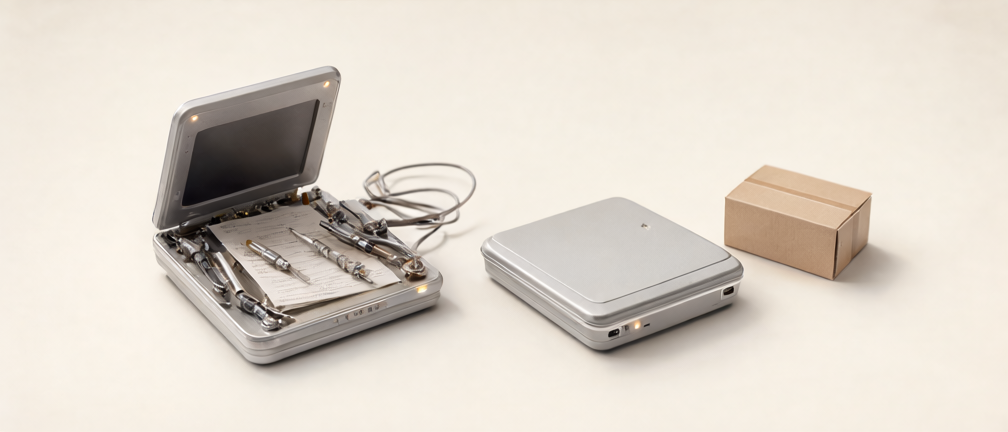
The hero is an AI-generated illustration, made on the same Shuri machine with Qwen Image 2.1 through ncnn/Vulkan: 1008 × 432 pixels, 40 denoising steps, seed 42. It illustrates the tinkering-versus-convenience theme; it is not a photograph of my hardware.

Keep reading
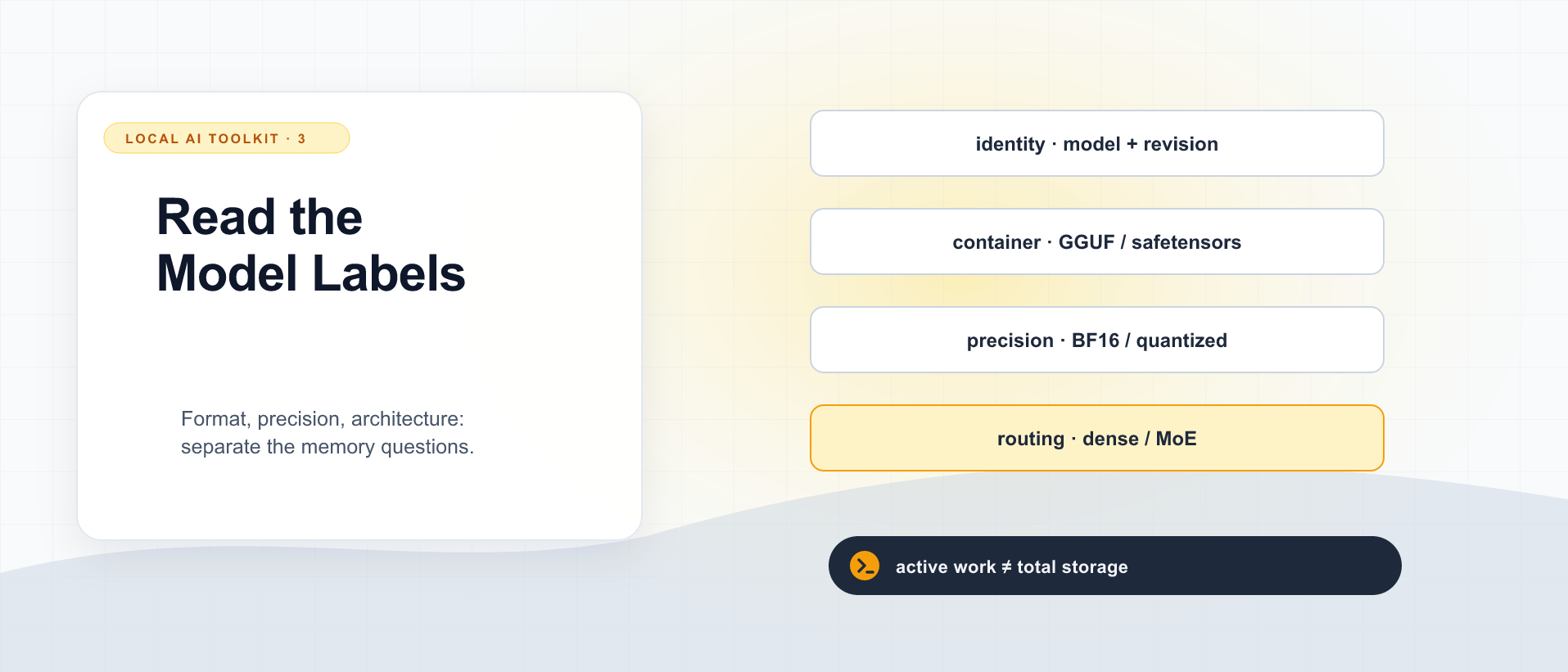
GGUF, Quantization, Dense, and MoE: How to Read a Local Model Download
Decode model filenames and parameter counts without confusing a file format, numerical precision, expert routing, and the memory needed to run a conversation.
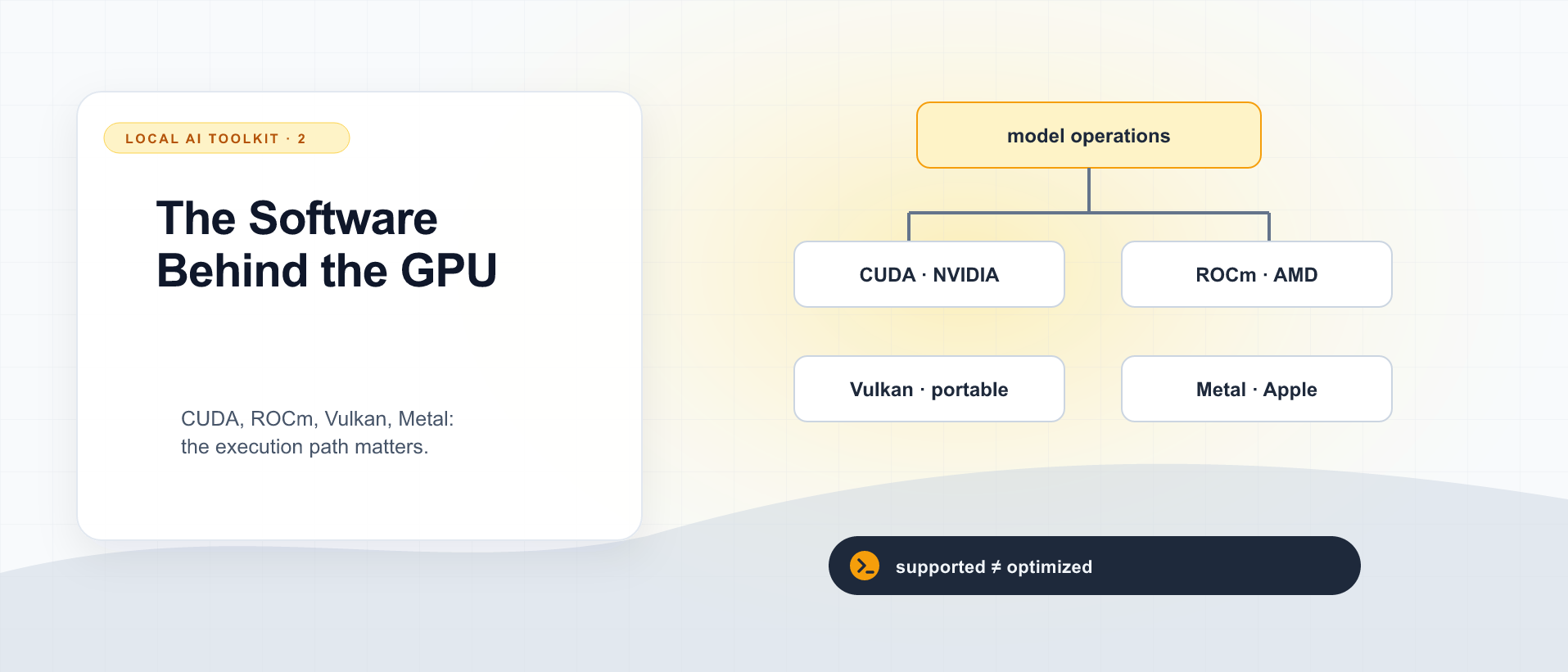
CUDA, ROCm, Vulkan, and Metal: Why the GPU Software Stack Matters for Local AI
CUDA is neither a gaming requirement nor an empty AI slogan. Understand GPU backends, AMD's ROCm, Vulkan compute, and Apple's Metal before comparing local inference hardware.
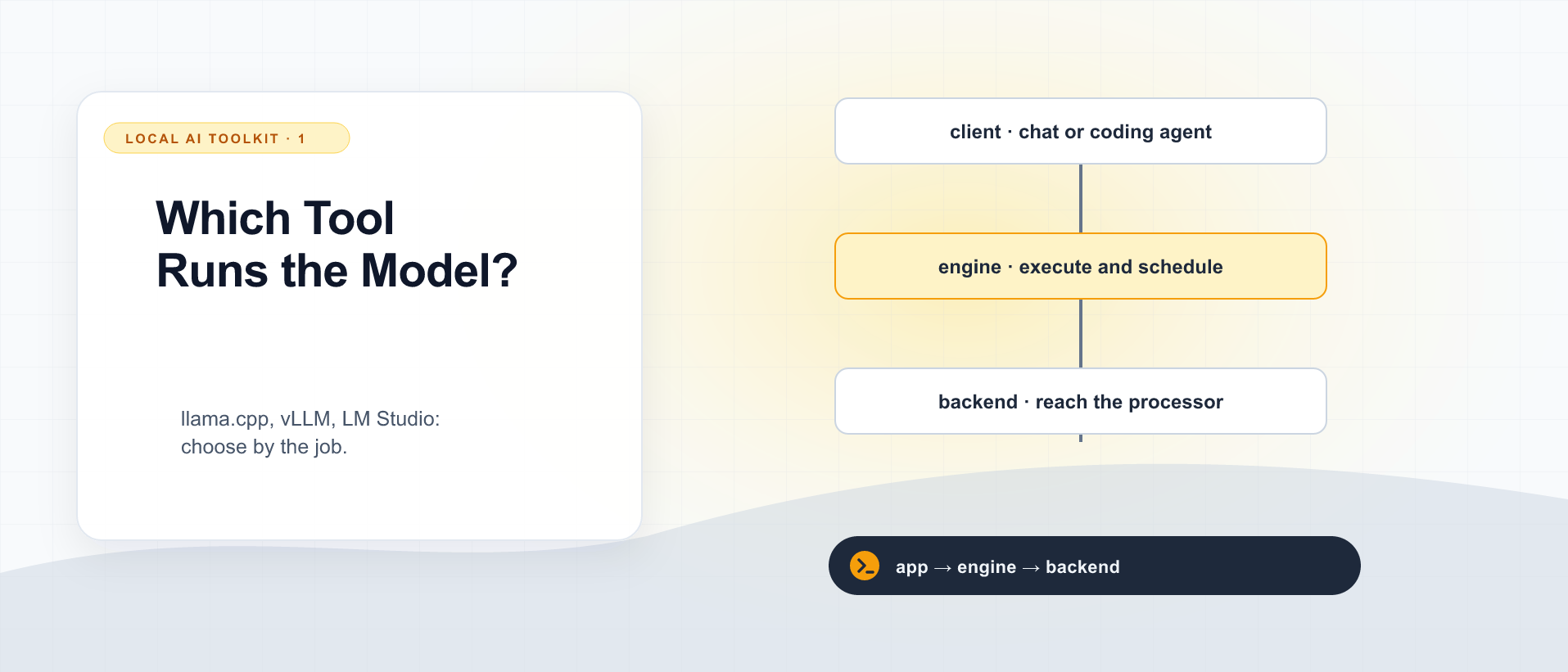
llama.cpp, vLLM, or LM Studio: Which Local LLM Tool Does What?
Separate the desktop app, inference engine, model file, and GPU backend before choosing how to run a local language model.
What did you take away?
Thoughts, pushback, or a story of your own? Drop a reply below — I read every one.
Comments are powered by Disqus. By posting you agree to theirterms.