CUDA, ROCm, Vulkan, and Metal: Why the GPU Software Stack Matters for Local AI
CUDA is neither a gaming requirement nor an empty AI slogan. Understand GPU backends, AMD's ROCm, Vulkan compute, and Apple's Metal before comparing local inference hardware.
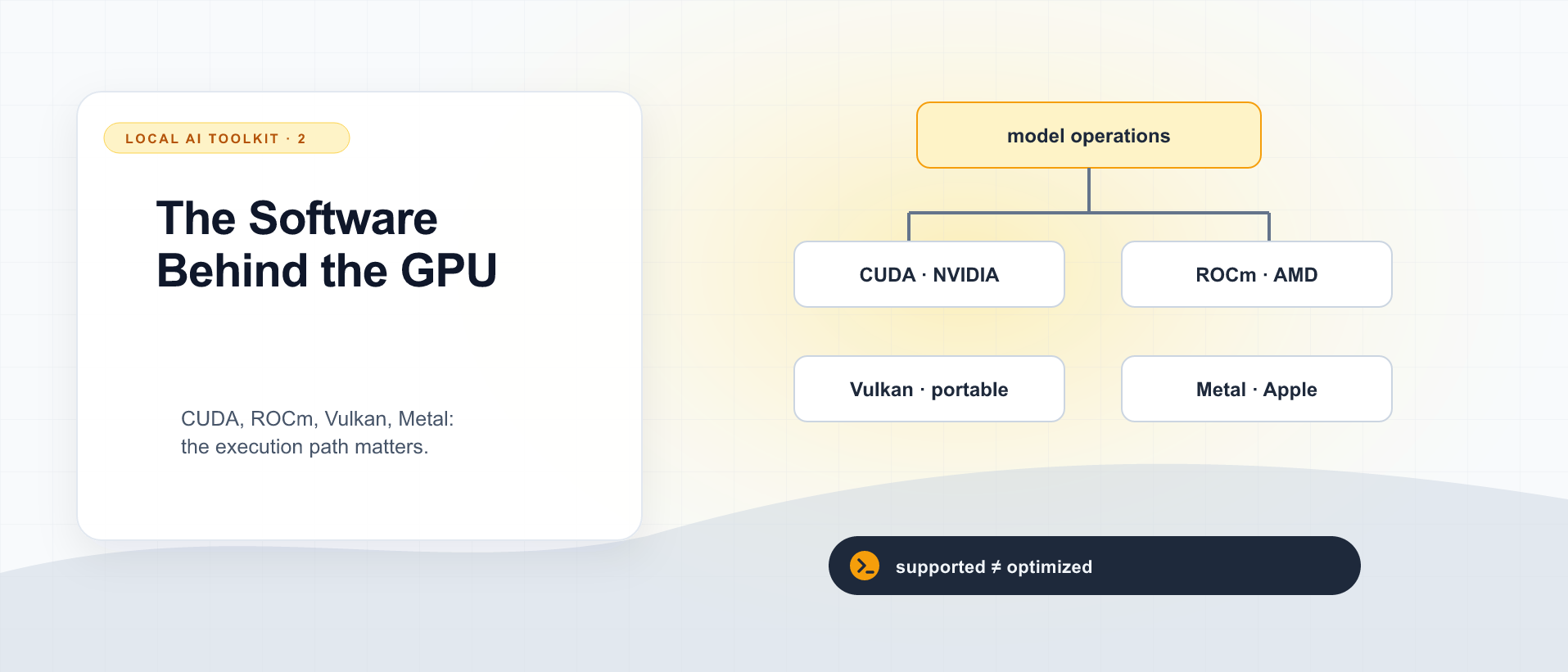
Two graphics cards perform similarly in games. One runs the local inference package immediately; the other needs a different build, a particular driver, or an entirely different backend. It is tempting to conclude that the software names are marketing obstacles around otherwise equivalent hardware.
There is a real compatibility problem underneath the branding. CUDA is a computing platform, not a requirement for rendering an ordinary game, and its software ecosystem can matter a great deal for local AI. ROCm, Vulkan, and Metal provide other routes. Which route works well depends on the application and hardware together.
This is a primer on those routes. It does not rank GPUs or report benchmarks. Support details change; the linked official documentation is the place to check a specific card, operating system, and software release.
Your model does not execute a GPU specification sheet
An inference engine breaks model operations into work the machine can execute. A GPU kernel is a program that runs on the GPU, such as an operation over matrices or quantized values. A compute backend supplies an implementation path; drivers and runtime libraries help dispatch that work.
The chain to inspect is:
model operations
      ↓
engine implementation and selected backend
      ↓
kernels, runtime libraries, and driver
      ↓
supported GPU hardware
The diagram is conceptual, not a claim that every engine uses identical software layers. A missing implementation at one point can mean a failure, a slower fallback, or a feature that is unavailable even though the card has enough memory.
CUDA: a real programming platform
CUDA is NVIDIA’s parallel-computing platform and programming model. It includes ways to write and launch GPU programs and manage work between the CPU and GPU. Developers may use it directly, while application users encounter it through a framework or prebuilt inference package. NVIDIA CUDA Programming Guide.
The libraries around it matter. cuBLAS, for example, implements GPU linear-algebra operations; an application can use optimized matrix routines instead of implementing every operation from scratch. An inference engine can combine libraries with custom kernels. cuBLAS documentation.
That is a practical ecosystem advantage when your chosen engine has a supported, optimized CUDA path. It can affect how easily a feature works and how much performance the implementation extracts from the card. It does not guarantee that NVIDIA wins every model, price point, or workload.
You also do not necessarily need the entire CUDA development toolkit merely to run a packaged application. Building CUDA code and running a prebuilt package are different tasks. Follow the package’s runtime and driver requirements rather than installing every component bearing the CUDA name.
CUDA cores are not Tensor Cores
“CUDA cores” is NVIDIA’s label for general shader/compute execution resources. Tensor Cores are specialized hardware for supported matrix operations and numerical formats. They are not interchangeable counts, and support varies by GPU generation. NVIDIA’s mixed-precision documentation explains the relationship between matrix operations, precision, and Tensor Core use. NVIDIA mixed-precision guide.
A model containing four-bit weights does not automatically mean that every operation runs on a four-bit Tensor Core path. The engine needs kernels matching the model, representation, and hardware. Operations can also be limited by moving data rather than doing arithmetic.
This is why “more CUDA cores” and “more AI TOPS” are incomplete purchasing arguments. Memory capacity, bandwidth, supported precision, and usable kernels all belong in the comparison. Peak arithmetic figures are ceilings under particular conditions, not forecasts of chat responsiveness.
ROCm and HIP: AMD’s compute route
ROCm is AMD’s GPU-computing software stack. HIP provides a C++ programming interface and kernel language that helps developers write portable GPU code. The official ROCm project describes HIP as part of the ecosystem; ROCm is broader than one API. AMD ROCm project.
“HIP resembles CUDA” does not mean an arbitrary CUDA executable will run unchanged on an AMD card. Porting and building source, library compatibility, and distributing a runnable binary are different problems. An application must provide a working path for the target platform.
Check the exact device and operating-system combination. Support for an Instinct accelerator does not establish support for every Radeon card or Ryzen integrated GPU. AMD publishes compatibility information for Radeon and Ryzen products separately from other platform documentation. AMD developer hub, Radeon and Ryzen compatibility documentation.
For a concrete example, vLLM documents its ROCm installation route and supported configurations. That is the relevant starting point for vLLM on AMD, rather than a report that another application successfully used the same card for graphics. vLLM GPU requirements.
Vulkan: graphics and compute across vendors
Vulkan is a cross-platform API for graphics and compute. Compute shaders can perform work without producing graphics at all. Using Vulkan for local inference is therefore a legitimate computing path, not a trick that asks the GPU to pretend a model is a game. Khronos Vulkan guide, Khronos compute introduction.
llama.cpp has a Vulkan backend alongside CUDA, HIP, Metal, and other execution paths. Its build guide documents selecting backends. This creates options on machines where a particular vendor-specific compute stack is not the preferred route. llama.cpp build guide.
Portability is not performance equivalence. The same API can reach different hardware and drivers, and an engine’s Vulkan implementation may differ from its CUDA or HIP implementation in available operations and optimization. “Vulkan is always slower” and “Vulkan removes every vendor advantage” both need evidence for the exact workload.
Metal: include Apple in the picture
Metal is Apple’s graphics and compute API. It also supports machine-learning workloads. For Apple Silicon local inference, Metal-backed execution is a relevant GPU route; CUDA is not the default interface to the Apple GPU. Apple Metal overview.
MLX is a separate array and machine-learning framework from Apple, not another name for Metal. LM Studio documents both llama.cpp and MLX runtime options on Apple Silicon. An app, a framework, and a device API can all appear in one setup while doing different jobs. MLX project, LM Studio runtime documentation.
Shared CPU/GPU memory changes the memory arrangement; it does not eliminate allocation limits or make every memory access free. The usable budget still needs to accommodate the model, request state, and the rest of the machine’s work.
Why gaming benchmarks do not answer the local-AI question
A game’s rendering path may use Vulkan, Direct3D, or Metal. The fact that Vulkan supports both graphics and compute does not make those workloads identical. Likewise, a CUDA-core specification describes hardware resources, not a rule that games must be programmed through CUDA.
Consider three situations:
| Situation | What actually decides the next step |
|---|---|
| Your engine only has a supported CUDA implementation for a required feature | Software support can settle the decision before raw speed matters |
| Your model runs through Vulkan on the GPU you already own | Measure that working configuration before buying hardware to obtain a different backend |
| Your preferred GPU cannot hold the intended model and request state | A mature software stack cannot manufacture the missing capacity; a different placement or model is needed |
These are decision rules, not measured comparisons. A lower-latency answer for one user and greater throughput for a team can favor different configurations.
The useful question is: does this engine have a supported, efficient implementation of this model and precision on this exact platform? Then test correctness, memory, prompt-processing time, and generation speed. CUDA is consequential when that path depends on its ecosystem. Where another supported backend meets the workload well, its absence need not be a problem.
The runtime comparison explains which software to evaluate. Next, read the model file labels so a GGUF filename or an MoE active-parameter count does not lead you to the wrong memory budget.

Local AI Toolkit: Runtimes, GPU Backends, and Model Files
3 parts in this series.
Three practical primers on choosing llama.cpp, vLLM, or LM Studio; understanding CUDA, ROCm, Vulkan, and Metal; and reading GGUF, quantization, dense-model, and MoE labels. A companion to the standalone model-architecture guide and Running AI Yourself.
- 01llama.cpp, vLLM, or LM Studio: Which Local LLM Tool Does What?previous
- 02CUDA, ROCm, Vulkan, and Metal: Why the GPU Software Stack Matters for Local AI← you are here
- 03GGUF, Quantization, Dense, and MoE: How to Read a Local Model Downloadup next
What did you take away?
Thoughts, pushback, or a story of your own? Drop a reply below — I read every one.
Comments are powered by Disqus. By posting you agree to theirterms.