GGUF, Quantization, Dense, and MoE: How to Read a Local Model Download
Decode model filenames and parameter counts without confusing a file format, numerical precision, expert routing, and the memory needed to run a conversation.
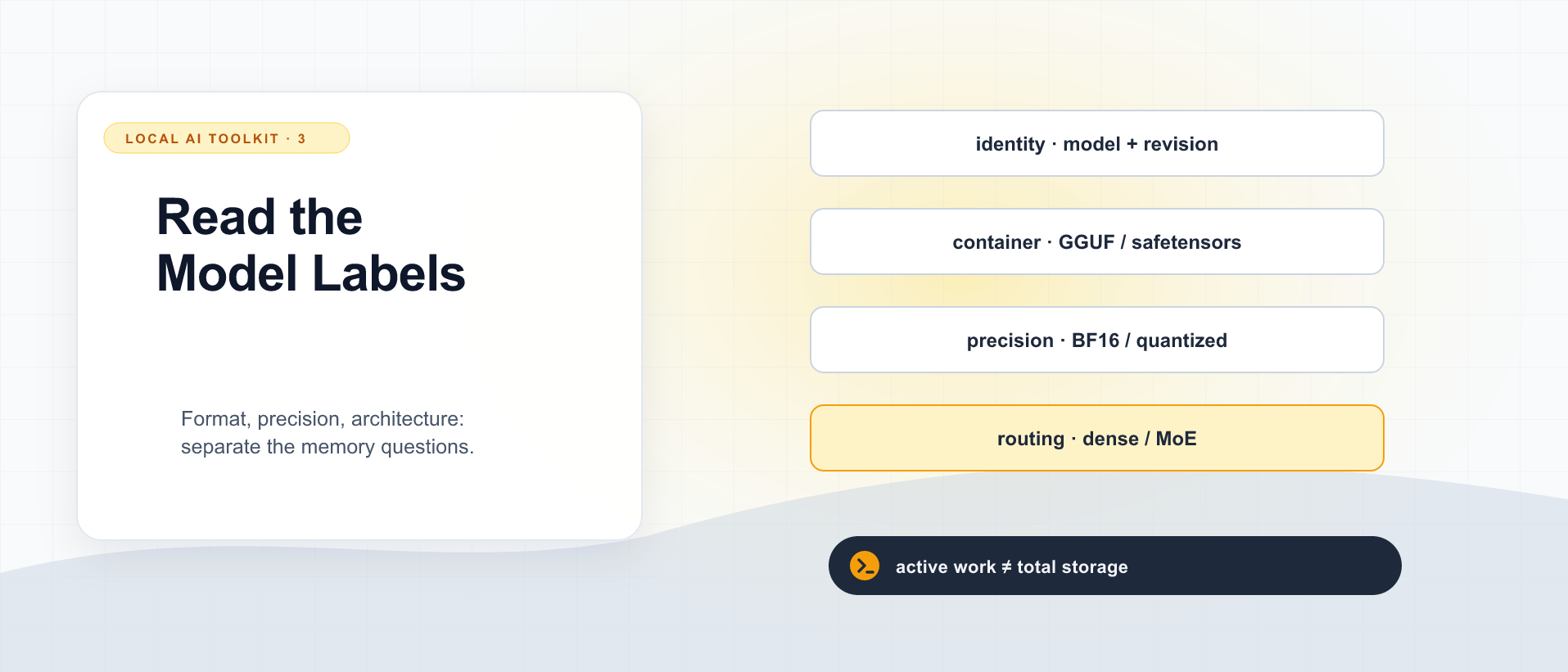
A model download page offers BF16, Q4_K_M, Q8_0, GGUF, and safetensors. Another model advertises 30 billion parameters but only three billion active. It is easy to turn those labels into a story: GGUF means compressed, four-bit means one quarter of the memory, and three billion active means a small model that will fit almost anywhere.
Each shortcut drops something important. These labels describe different parts of the artifact and execution. Reading them separately makes it easier to choose a file your runtime can use and a model your machine can actually serve.
Four questions hidden in one download name
| Question | Example labels | What it does not settle |
|---|---|---|
| Which model and adaptation? | Llama 3.1 8B Instruct | The downloaded precision or runtime support |
| How are weights packaged? | GGUF, safetensors | Whether the architecture is supported by an engine |
| How are numbers represented? | BF16, Q4_K_M, Q8_0 | Exact resident memory or answer quality |
| How is computation distributed through the model? | Dense, MoE; total and active parameters | Complete weight storage and request-state requirements |
An architecture such as Transformer or Mamba is another dimension. A Transformer can be dense or use MoE layers. A supported model can have several converted and quantized artifacts. None of these labels replaces the others.
GGUF is a container, not a model family
GGUF is a binary model format in the ggml ecosystem. It stores tensor information and data alongside metadata, which can describe matters such as architecture and tokenization. The format is designed to support efficient loading. GGUF specification.
A GGUF can contain quantized tensors, but the extension does not guarantee four-bit weights or any particular quantization. It also does not mean every GGUF reader implements every architecture that can be described in the container.
Think of the container as the package. The engine still needs to understand what the tensors mean and how to execute their operations. A correct filename and enough free disk space do not prove compatibility.
safetensors is another format for storing tensors, designed to avoid pickle-style arbitrary-code execution during tensor loading and to support efficient access. In a Hugging Face model repository, configuration, tokenizer files, and chat-template information may be distributed alongside the tensor files. The format’s safety property does not make arbitrary code elsewhere in the repository safe to execute. Safetensors documentation.
Choose the artifact supported by the engine and backend you intend to run. At the time checked, vLLM’s GGUF path is documented as experimental and uses a plugin; that is different from assuming every local runtime treats GGUF as its standard fast path. vLLM GGUF documentation.
Quantization changes the numerical representation
Quantization represents values using a lower-precision scheme. Weight quantization can reduce storage and memory traffic, but implementations need information such as scales and may use different representations for different tensors. The result is not simply “every original number becomes exactly four bits.”
Labels such as Q4_K_M identify particular recipes in the llama.cpp ecosystem; Q8_0 identifies another quantization type. BF16 and FP16 are floating-point formats. Two artifacts both described informally as “four-bit” need not have identical layouts, overhead, accuracy, or kernel support. The project’s quantization tool lists its supported choices. llama.cpp quantization tool.
Smaller weights may make a previously impossible model fit. They may also change output quality or move the bottleneck elsewhere. Faster execution is something to measure with the chosen kernel and hardware, not a promise carried by a smaller download.
Here is an illustrative lower-bound calculation, not a model file size or a VRAM recommendation:
8 billion parameters × 4 bits ÷ 8 bits per byte
= 4 billion bytes
= 4.0 GB, approximately 3.73 GiB
That accounts only for an idealized weight payload. A real allocation can include quantization metadata, tensors kept at higher precision, buffers, request state, and allocator overhead. Do not buy a four-gigabyte card from this calculation.
Weight quantization and KV-cache quantization are separate settings. Reducing the weight file does not automatically shrink the attention state created by a long conversation. Hugging Face cache strategies.
Dense models: no sparse expert selection in those layers
In a dense model, the ordinary dense layers perform their computation without routing each token to a small subset of expert feed-forward networks. Llama 3.1 8B is a familiar dense Transformer example. “Dense” does not mean every stored scalar is read in exactly the same way at every step; embeddings and other components have their own behavior. Llama 3.1 model card.
For initial weight-storage arithmetic, total parameter count and representation are useful starting points. They do not determine context-state size, engine overhead, or whether the model can follow the instructions you need it to follow.
A smaller dense model with the right training and a mature runtime can be a better fit for a particular task than a larger model with an impressive headline. That is a reason to keep an acceptance test beside the memory estimate.
MoE: less expert computation per token, not fewer experts to store
A mixture-of-experts model uses routing to select expert subnetworks. The “experts” are learned numerical components, not separate chatbots holding a meeting. Depending on the architecture, some components are shared while selected expert layers perform only part of the potential computation for a token.
Mixtral 8x7B is a well-known example. Its feed-forward layer uses eight experts, with a router choosing two for each token. The name does not mean eight independent seven-billion-parameter chat models are all loaded and consulted as complete assistants. Mixtral paper.
Qwen3-30B-A3B makes the distinction explicit in its name. Its model card reports approximately 30.5 billion total parameters and 3.3 billion activated parameters. The latter describes active work, not the size of the complete weight set you must accommodate somewhere. Official Qwen3-30B-A3B model card.
Using idealized four-bit storage for the full 30.5 billion parameters gives about 15.25 GB before overhead. Doing the same calculation with only 3.3 billion produces about 1.65 GB, but that is not the model’s total weight budget. These are arithmetic illustrations, not actual artifact measurements.
Offloading experts to another memory tier can change what must reside on the GPU. It also introduces placement, transfer, and scheduling questions. The weights have to be available where and when execution needs them. The active count alone cannot tell you that an MoE will fit or run like a dense model of that smaller size.
Nor does MoE remove attention state. If the model uses attention layers, their dimensions and cache policy still determine that part of the memory requirement. The expert count is not a KV-cache sizing formula.
Read a filename, then read the model card
Consider this illustrative filename, not a download recommendation:
Example-8B-Instruct-Q4_K_M.ggufExample names the family; 8B is an approximate parameter label; Instruct suggests an instruction-adapted variant; Q4_K_M names a quantization recipe; .gguf identifies the container. None of those fragments tells you the converter’s provenance, exact revision, supported chat template, or whether your runtime implements the architecture.
Before downloading, identify the original model card and license, the conversion’s source and revision, the intended runtime, and the artifact’s actual size. For a split artifact, account for every shard. Then reserve memory for the intended context and simultaneous requests rather than filling the machine entirely with weights.
Finally, run a small representative task. For a coding assistant, check that it follows instructions, returns valid tool calls when required, and handles a relevant code question correctly. Compare a smaller or less aggressively quantized alternative if the first choice fails. A model that loads successfully has passed a compatibility test, not your product acceptance test.
Return to the runtime comparison to choose the execution tool, or the GPU-stack primer to understand the backend. Keep the model, package, precision, and execution path as four explicit choices; the download label will become much less mysterious.

Local AI Toolkit: Runtimes, GPU Backends, and Model Files
3 parts in this series.
Three practical primers on choosing llama.cpp, vLLM, or LM Studio; understanding CUDA, ROCm, Vulkan, and Metal; and reading GGUF, quantization, dense-model, and MoE labels. A companion to the standalone model-architecture guide and Running AI Yourself.
- 01llama.cpp, vLLM, or LM Studio: Which Local LLM Tool Does What?
- 02CUDA, ROCm, Vulkan, and Metal: Why the GPU Software Stack Matters for Local AIprevious
- 03GGUF, Quantization, Dense, and MoE: How to Read a Local Model Download← you are here
What did you take away?
Thoughts, pushback, or a story of your own? Drop a reply below — I read every one.
Comments are powered by Disqus. By posting you agree to theirterms.