Make Playlists Easier to Move Between Players
Preserve track identity and inspect path assumptions before moving a playlist to another application.
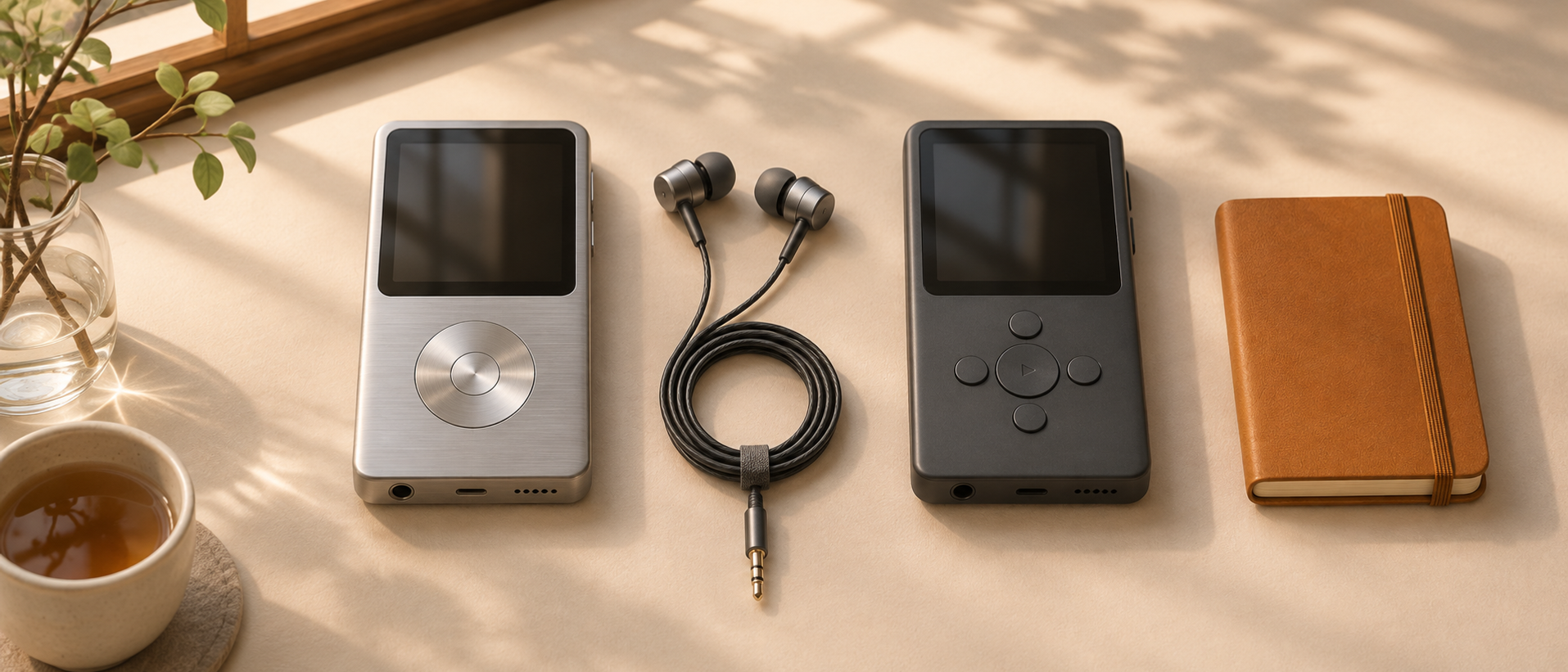
A playlist looks portable because it is a list of songs. In practice, its entries may point to local paths, application-specific identifiers, or a particular service’s catalog. Moving the list can expose those hidden assumptions.
Before converting anything, decide what you want to preserve: the sequence, the exact recordings, or simply a set of song suggestions. Those are different levels of fidelity.
Inspect a small export
Use the application’s native export if it provides one. Open a copy and identify how tracks are represented. Are entries paths, URLs, or identifiers that only the source service understands?
Do not edit the only copy. Keep the original export so you can compare results and recover information lost during conversion.
Preserve recording identity
Artist and title are useful matching fields, but they may not distinguish a live recording from a studio version or a remaster from an earlier release. Retain album and version information when available.
For a listening queue, an approximate match may be acceptable. For a carefully sequenced album comparison, it may not. State the intended tolerance before accepting automated matches.
Check path assumptions
A file playlist may refer to absolute locations that do not exist on the destination device. Relative paths can also fail if the surrounding directory structure changes.
Test one short playlist with a few known files. Confirm that every entry resolves, the order remains intact, and special characters in names survive the move. Only then expand to the full collection.
Keep unmatched entries visible
A conversion that silently drops tracks can look successful. Retain a list of missing or ambiguous matches and inspect it separately.
Do not fill every gap with the first plausible result merely to reach a perfect completion count. A visible unresolved entry is more honest than the wrong recording hidden in the list.
Verify playback, not just import
Open the destination playlist and play entries from the beginning, middle, and end. Check duplicate handling and whether the application preserved your intended order.
Keep a simple export habit for playlists that matter. Even when a future application cannot import the format directly, a readable record of titles, artists, albums, and order gives you a useful recovery source. Portability improves when the listening intent survives outside one application’s database.

Keep reading
Keep Listening Notes Without Turning Music into Homework
Use a few concrete observations to remember an album and decide what to revisit.
Build a Music Discovery Queue You Will Actually Finish
Separate recommendations from commitments and keep the active listening queue deliberately small.
Back Up the Music Library Around What You Cannot Recreate
Include playlists, metadata, artwork, and configuration alongside the audio files, then test a small restore.
What did you take away?
Thoughts, pushback, or a story of your own? Drop a reply below — I read every one.
Comments are powered by Disqus. By posting you agree to theirterms.