Back Up the Music Library Around What You Cannot Recreate
Include playlists, metadata, artwork, and configuration alongside the audio files, then test a small restore.
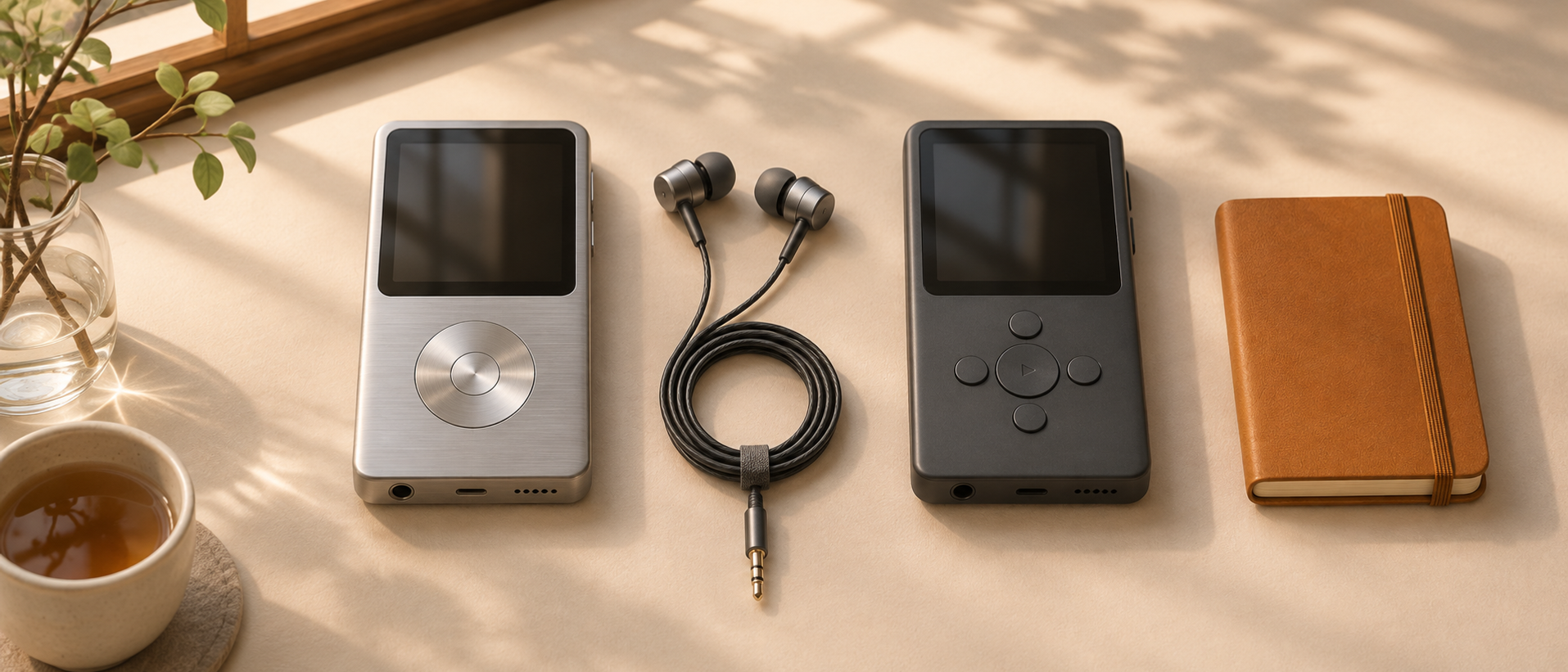
A music library is more than a directory of audio. It may also contain carefully corrected tags, playlists, cover art, listening history, and the configuration that makes a server or player useful.
Start a backup plan by identifying what would be painful or impossible to recreate. That helps you avoid protecting the largest files while forgetting the smallest valuable ones.
Inventory the pieces
List audio files, external artwork, playlist files, application databases, and configuration. Note which information is embedded in the audio files and which lives elsewhere.
Do not assume listening history belongs to the same backup as the music. A server, scrobbling service, and portable player may each keep different records. Check their documented export or backup mechanisms before relying on a filesystem copy.
Separate synchronization from recovery
A synchronized copy is useful for access, but it can also reproduce an unwanted deletion or bad edit. Ask how you would recover a previous version after a metadata mistake.
Choose a backup method with a recovery path appropriate to your storage setup. The important question is not the label on the tool; it is whether the version you need remains available when the primary library is wrong.
Preserve an independent record
Keep a small inventory or manifest that helps identify what was backed up. Record the backup time and scope. If playlists or application state are excluded, say so explicitly.
Avoid storing the only instructions for recovery inside the system that would be unavailable during recovery. A short external note can save a great deal of guessing.
Restore a sample
Choose an album and a playlist. Restore them into a separate location, inspect the metadata and artwork, and open them in a player. If the playlist uses paths, verify that those references resolve in the restored layout.
A successful copy operation is only the first checkpoint. The restored material needs to be usable for the listening workflow you care about.
Revisit after changes
When you move the library, switch servers, or change where playlists live, update the backup scope. A backup job can continue succeeding while its source no longer includes the important data.
Keep the test small enough to repeat. The same principle as a homelab restore drill applies: identify the artifact, restore in isolation, exercise the useful behavior, and describe the boundary honestly.

Keep reading
Keep Listening Notes Without Turning Music into Homework
Use a few concrete observations to remember an album and decide what to revisit.
Build a Music Discovery Queue You Will Actually Finish
Separate recommendations from commitments and keep the active listening queue deliberately small.
Choose a Music Library Folder Structure You Can Maintain
Use predictable paths while keeping album identity and playback metadata separate.
What did you take away?
Thoughts, pushback, or a story of your own? Drop a reply below — I read every one.
Comments are powered by Disqus. By posting you agree to theirterms.