OpenGSD After Installation: The Everyday Workflow and the Commands Worth Remembering
A practical field guide to choosing phases, quick tasks and autonomous runs; configuring GSD without configuration theatre; and preserving honest Git and verification boundaries.
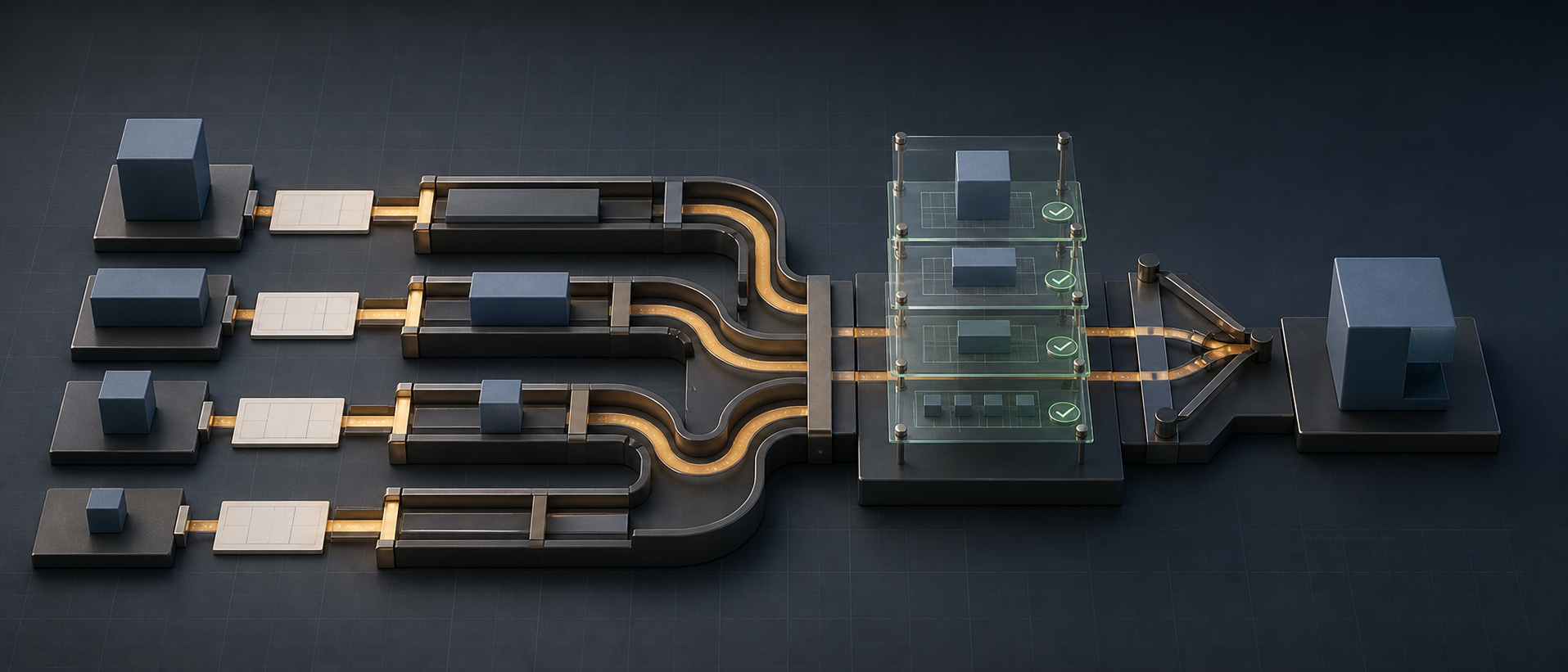
Installing OpenGSD is the easy part. The harder part is deciding how much ceremony a piece of work deserves.
Use the full phase loop for every typo and GSD becomes paperwork. Use a one-shot agent for a multi-week migration and the decisions disappear into chat. The practical skill is choosing the smallest workflow that preserves the risk you care about.
If you have not installed GSD Core yet, start with OpenGSD Getting Started. This article begins on day two, when the commands are available and a real backlog is waiting.
Match the workflow to the size of the work
I use four levels.
| Shape of work | Use | Why |
|---|---|---|
| Tiny, obvious, low-risk edit | /gsd-fast | Minimal overhead for work that does not need research or a durable plan |
| Small but non-trivial task | /gsd-quick | Captures intent and can add research or validation without creating a full milestone |
| Feature or migration with decisions | Full phase loop | Preserves discussion, plan, execution and verification as separate gates |
| Several phases with clear requirements | Milestone or /gsd-autonomous | Lets GSD advance through an approved roadmap while retaining phase boundaries |
The useful question is not “how many files will change?” A two-line authentication change may deserve more planning than a 30-file mechanical rename. Size the workflow around uncertainty, blast radius, and verification cost.
Let /gsd-next orient you
You do not need to memorize the entire command catalogue. When you return after a break:
/gsd-nextGSD inspects the current project state and routes you toward the appropriate next action. Two related commands are worth remembering:
/gsd-progress
/gsd-resume-work
progress answers “where are we?” resume-work answers “what context do I need to continue?” This is better than asking a new chat to infer project status from Git history alone.
For ideas that are not ready to become phases, use the inbox and capture workflows rather than wedging them into the active plan. A roadmap is a dependency model, not a storage drawer for every good thought.
Spend your judgment in discuss, not execute
Most expensive agent mistakes begin as an unanswered product question.
Before planning, make these explicit:
- What user-visible outcome closes the phase?
- What is deliberately excluded?
- Which existing behavior must remain unchanged?
- Which repository or service owns each contract?
- What requires human action, credentials, provider access, or production authority?
- What evidence will distinguish “implemented” from “working”?
That information belongs in /gsd-discuss-phase, where it can shape every plan. Do not wait for an executor to discover halfway through a migration that backward compatibility mattered.
Likewise, do not confuse an “assumptions” mode with permission to guess. It is a faster interface for reviewing code-grounded assumptions. Anything unresolved remains an open question.
Prefer vertical phases
A good phase produces a coherent, verifiable capability. “Add the model, API, UI and tests for saved filters” is often better than four horizontal phases named “all models,” “all APIs,” “all UI,” and “all tests.”
Vertical slices give you:
- earlier user-visible feedback;
- clearer acceptance criteria;
- smaller rollback boundaries;
- more opportunities for safe parallel work;
- less time with half-built contracts on the main branch.
Use a horizontal foundation phase only when later work genuinely cannot begin without it: a schema migration, shared protocol, security boundary, or build-system change. Dependencies should describe reality, not the order in which departments prefer to think.
Read plans as contracts
Before /gsd-execute-phase, inspect each PLAN.md for five things:
- Owned paths. Which files or modules can this plan change?
- Dependencies. Which earlier plan or external condition must exist first?
- Acceptance. What observable result proves the task is complete?
- Verification. Which exact checks produce that evidence?
- Authority. Does the plan stop before push, deployment, data migration, or an external side effect that needs approval?
If two supposedly parallel plans both own the same schema, generated client, package manifest, or central routing file, they are not independent. Re-plan them into an ordered wave or give one plan ownership of the shared seam.
Configure outcomes, not knobs
Project settings live in .planning/config.json and are managed through:
/gsd-settings
/gsd-config
/gsd-config --advanced
/gsd-config --profile balanced
The official configuration reference documents the available fields and defaults. Start with a small number of decisions:
- Should research run before planning?
- Should plans receive an independent plan check?
- Is post-execution verification enabled?
- Should independent plans execute in parallel?
- Should executors use isolated Git worktrees?
- What is the repository’s real base branch?
- Is the model profile appropriate for the risk and budget?
Do not paste a giant “best GSD config” from someone else’s repository. A solo prototype, a regulated backend, and a multi-repository product should not share the same autonomy or verification settings.
Save global defaults only after two or three projects reveal a real personal default. Otherwise you turn one project’s preferences into invisible behavior everywhere.
Keep Git authority outside the acronym
GSD can create planning commits, task commits, branches and pull requests depending on configuration and workflow. It still has to obey the repository’s rules.
Three boundaries should remain explicit:
Commit is not push. A local commit preserves work. It does not authorize publishing it.
Push is not deploy. A remote branch is not a running service.
HTTP 200 is not acceptance. A health endpoint can pass while the authenticated user flow, worker, migration, or exact intended revision is wrong.
Before a merge, check the actual target branch:
git branch --show-current
git status --short
git worktree list --porcelain
Never assume the target is main just because most tutorials use it. The integration branch may be a release branch or an active feature branch. And never let “merge these lanes” silently become “push and deploy them.”
Use verification as an evidence ladder
Report each claim at the level you actually proved:
| Claim | Suitable evidence |
|---|---|
| Source parses | Type check, syntax check or compiler |
| Unit behavior works | Focused tests with the relevant assertions |
| Repository remains healthy | Full applicable quality gates |
| Service starts | Process/container health and fresh logs |
| Revision is deployed | Exact commit or image digest on the declared target |
| User workflow works | Browser/API acceptance against the running environment |
| Release is acceptable | Required human UAT and operational checks |
This distinction is one of the best reasons to retain /gsd-verify-work as a separate step. Execution produces code. Verification judges the phase goal.
Update by rerunning the installer
GSD Core evolves quickly. The package source of truth is @opengsd/gsd-core, backed by the official repository. Update using the same runtime-specific installer command you used originally:
npx @opengsd/gsd-core@latest --codex --globalThen reload the runtime and check the current documentation or changelog for behavior changes. Do not build wrappers around a missing feature until you have read the current command list; a newer GSD version may already provide the workflow natively.
My compact operating checklist
When a task arrives:
- Choose fast, quick, phase, or milestone based on risk.
- Run
/gsd-nextif project state is unclear. - Discuss unresolved product and safety decisions.
- Read the generated plans before execution.
- Serialize shared files and contracts.
- Keep independent plans in parallel waves.
- Verify the goal with evidence proportional to the claim.
- Check the current branch before merge.
- Treat commit, push, deploy and UAT as separate authorities.
- Leave durable state so the next session can resume without archaeology.
The final step is scaling beyond one line of work. Next: Run multiple OpenGSD sessions safely with workstreams, workspaces and worktrees.
Sources

The Parallel Developer
8 parts in this series.
An eight-part series on running multiple features in flight with git worktrees, OpenSpec, Beads, AI agents, and OpenGSD — from the first disciplined phase loop to safely operating concurrent workstreams.
- 01Why Agentic Coding? It's Not About the AI
- 02Git Worktrees: Branches as Places, Not States
- 03OpenSpec: Write the Contract Before the Code
- 04Beads: A Local-First Task Graph for Developers and AI Agents
- 05AI Agents That Work: Give Them Structure, Not Just Prompts
- 06OpenGSD Getting Started: From Install to Your First Shipped Phaseprevious
- 07OpenGSD After Installation: The Everyday Workflow and the Commands Worth Remembering← you are here
- 08Run Multiple OpenGSD Sessions at Once: Workstreams, Workspaces and Worktreesup next
What did you take away?
Thoughts, pushback, or a story of your own? Drop a reply below — I read every one.
Comments are powered by Disqus. By posting you agree to theirterms.