Git Worktrees: Branches as Places, Not States
One repo, three running apps, zero context switches. Git worktrees have been in git since 2015. Almost nobody uses them. Here's why that's a mistake.
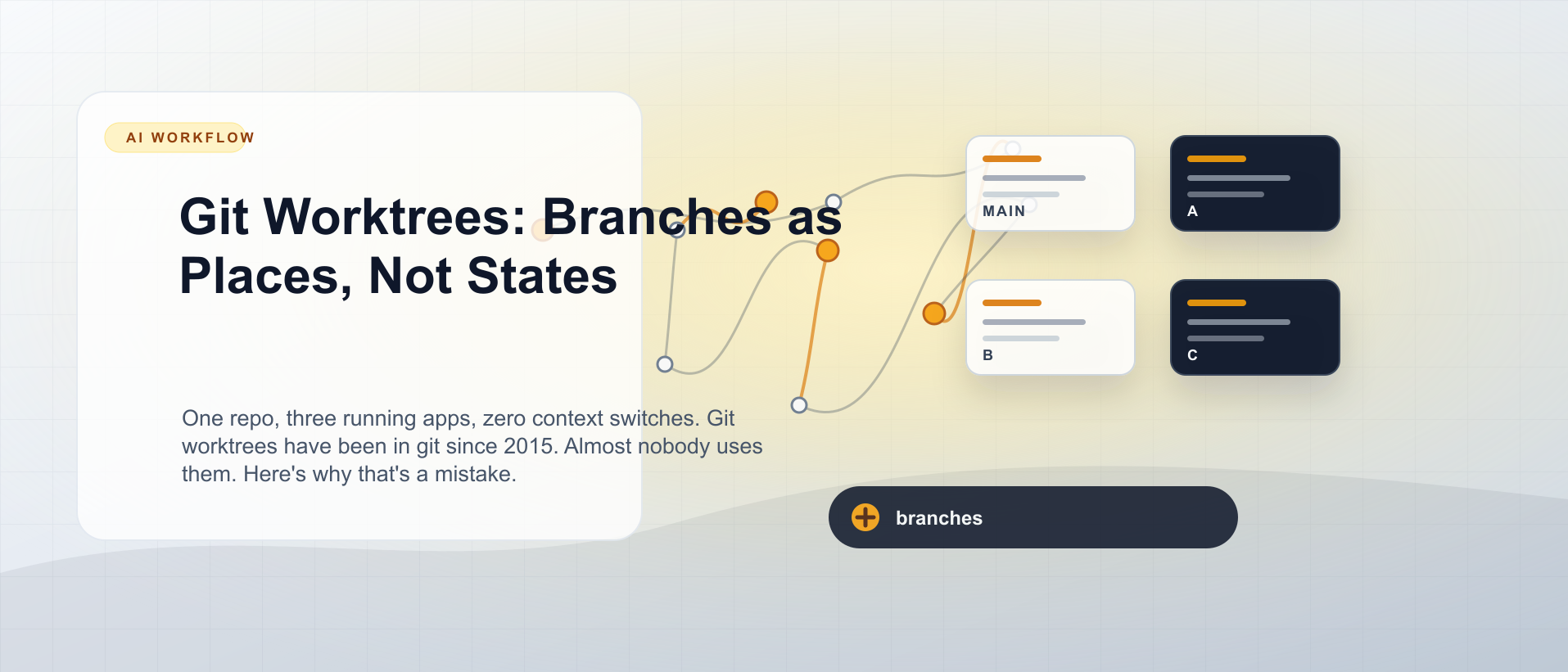
It’s a standard Tuesday. You have three browser tabs open: localhost:3000 running the avatar feature you’re building on feat/add-avatars, localhost:3000 (same port, different session) where you were debugging a login issue this morning, and a half-written Slack message to a teammate asking which migration state the login bug branch is in. You’re about to git stash, switch branches, realise the database is in the wrong schema state, run db:migrate, and lose the mental model you’d built up over the last two hours.
There’s a better way. It’s been in git since 2015.
What worktrees actually are
A git repository is a .git directory plus one checked-out working directory. That’s the default. But the .git directory can support multiple checked-out working directories simultaneously — each on its own branch, each fully independent.
workspace/vayu/
  neo/                  ← main branch, never directly worked in
  neo-42-feat/          ← issue #42: avatar uploads
  neo-15-fix/           ← issue #15: login bug
  neo-33-refactor/      ← issue #33: billing extraction
Four directories. One .git. Shared object store, shared history, no duplication of the full repo. Each directory has its own branch checked out, its own running server, its own database. Switch “context” by switching terminal tabs.
The naming convention
The directory names are not arbitrary. They encode exactly enough information for both humans and tooling:
neo-<issue>-<type>/<issue> is the GitHub issue number. <type> is a Conventional Commits vocabulary word: feat, fix, docs, refactor, perf, test, chore. The branch inside matches:
42-feat/add-avatars
15-fix/login-redirect
33-refactor/billing-service
ls workspace/vayu/ now tells you everything in flight — how many items, what kind of work each is, which issue it maps to. That same structure is machine-readable. Port derivation, database naming, agent context — all of it reads the directory name.
Creating a worktree
# From inside neo/ (main branch)
git worktree add ../neo-42-feat main -b 42-feat/add-avatars

cd ../neo-42-feat
bundle install          # Rails: install gems for this worktree
bin/rails db:prepare    # create + migrate this worktree's database
bin/dev                 # starts on :3042 (port derived from issue number)
You now have a running Rails app at localhost:3042 on a fresh branch with its own database. Your neo/ directory is untouched, still running localhost:3000.
The collision problems — and their solutions
Two things break immediately when you run multiple copies of the same app: database names and ports. Both collide on defaults. Both are fixable with about ten lines of configuration.
Database isolation
Rails reads config/database.yml. Add ERB that derives a suffix from the current working directory name:
<% suffix = begin
     dir = File.basename(File.expand_path("..", __dir__))
     dir == "neo" ? "" : "_wt_" + dir.delete_prefix("neo-").downcase
   end %>

development:
  database: neo_development<%= suffix %>
test:
  database: neo_test<%= suffix %>
Working in neo/? Suffix is empty. Database is neo_development. Working in neo-42-feat/? Suffix becomes _wt_42-feat. Database is neo_development_wt_42-feat. Each worktree gets its own independent database. Schema state is isolated. No more “which migration was I on?”
Port isolation
In bin/dev (or whatever your process manager entry point is):
DIR=$(basename "$(pwd)")
ISSUE=$(echo "$DIR" | sed -n 's/^neo-\([0-9]*\).*/\1/p')
export PORT=$((3000 + ${ISSUE:-0}))
exec foreman start -f Procfile.dev "$@"
Strip the issue number from the directory name, add it to 3000. neo/ → port 3000. neo-42-feat/ → port 3042. neo-15-fix/ → port 3015. neo-33-refactor/ → port 3033.
Three browser tabs, three distinct ports, no clashes.
Full end-to-end
# 1. Create the worktree and branch
git worktree add ../neo-99-feat main -b 99-feat/cool-thing

# 2. Move into it
cd ../neo-99-feat

# 3. Install dependencies
bundle install

# 4. Set up the database (creates + migrates)
bin/rails db:prepare

# 5. Start the server — comes up at :3099
bin/dev
From branch creation to running server: under two minutes once you’ve done it twice.
Removing a worktree
When the feature ships and the PR is merged:
# Remove the working directory
git worktree remove ../neo-42-feat

# Delete the branch
git branch -d 42-feat/add-avatars
If there are uncommitted changes, git worktree remove will refuse. Use --force only when you’re sure.
Not Rails? Same pattern
The isolation problems are universal. Every framework has them. The solutions are equally universal.
| Stack | Database isolation | Port isolation |
|---|---|---|
| Rails | database.yml ERB | bin/dev + PORT |
| Node / Express | DATABASE_URL env var | PORT env var |
| Django | DJANGO_DB_NAME or DATABASE_URL | PORT env var |
| Laravel | .env DB_DATABASE | .env APP_PORT |
Any framework that reads its database name and port from environment variables can use the same directory-name-to-env derivation. Put the logic in your startup script. Point it at $(basename $(pwd)).
The git worktree add command is the same regardless of stack. The naming convention is the same. The directory structure is the same. Only the config file syntax changes.
Why this matters for agents
With a worktree-per-feature structure, you can hand a task to an AI agent with a single, unambiguous instruction:
“Implement issue #42 in the
neo-42-feat/worktree. The server is on port 3042. The database isneo_development_wt_42-feat.”
The agent has a contained environment. It cannot accidentally modify files for issue #15. It cannot corrupt the main branch database. It cannot start a server that collides with your current work.
Isolation isn’t just about hygiene. It’s about making parallel execution safe enough to trust.
Try it this week
Pick one feature you’d normally stash for. Instead:
git worktree add ../$(basename $(git rev-parse --show-toplevel))-$(cat /dev/urandom | head -c 4 | xxd -p)-feat main -b feat/new-thingOr just name it explicitly. The muscle memory builds fast. By the third worktree, the old way — stash, switch, rebuild context, unstash — feels as archaic as it is.
Coming next
Part 3: OpenSpec — Write the Contract Before the Code covers the three-command workflow that turns vague tasks into machine-readable specs before a single line of code is written. It’s the layer between “here’s a GitHub issue” and “here’s working code” — and skipping it is where most agentic sessions go wrong.

The Parallel Developer
8 parts in this series.
An eight-part series on running multiple features in flight with git worktrees, OpenSpec, Beads, AI agents, and OpenGSD — from the first disciplined phase loop to safely operating concurrent workstreams.
- 01Why Agentic Coding? It's Not About the AIprevious
- 02Git Worktrees: Branches as Places, Not States← you are here
- 03OpenSpec: Write the Contract Before the Codeup next
- 04Beads: A Local-First Task Graph for Developers and AI Agents
- 05AI Agents That Work: Give Them Structure, Not Just Prompts
- 06OpenGSD Getting Started: From Install to Your First Shipped Phase
- 07OpenGSD After Installation: The Everyday Workflow and the Commands Worth Remembering
- 08Run Multiple OpenGSD Sessions at Once: Workstreams, Workspaces and Worktrees
What did you take away?
Thoughts, pushback, or a story of your own? Drop a reply below — I read every one.
Comments are powered by Disqus. By posting you agree to theirterms.