design.md, DESIGN.md, and Google Stitch: One File, Narrower Views
There's a popular framing that AGENTS.md is for coding agents and DESIGN.md is for design agents. That framing is a category error. Write one file; serve both.
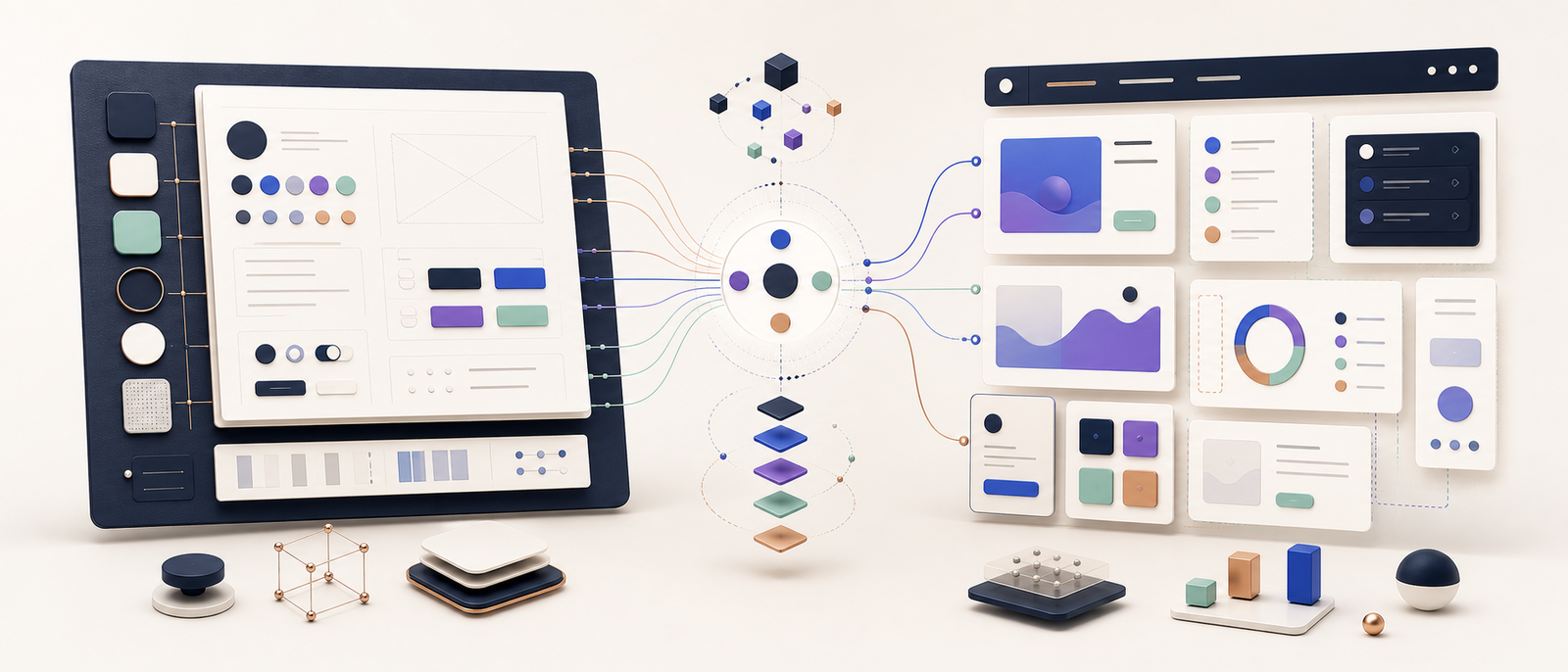
There’s an excellent public collection at github.com/VoltAgent/awesome-design-md — 73 ready-to-use DESIGN.md files extracted from real public marketing sites (Linear, Stripe, Apple, Tesla, Notion, and dozens more). The format is YAML-shaped: colors:, typography:, rounded:, spacing:, components: — tokens with hex values, font metrics, component recipes. It’s a beautiful artifact and worth bookmarking.
The framing the repo uses — borrowed from Google Stitch — separates the file from AGENTS.md as follows:
| File | Who reads it | What it defines |
|---|---|---|
AGENTS.md | Coding agents | How to build the project |
DESIGN.md | Design agents | How the project should look and feel |
That framing is doing useful work for the immediate Stitch use case (“hand me a brand, I’ll generate UI that matches”). But I want to argue it’s a category error for the broader job that motivated this whole series.
Most teams should write one document, structurally close to what Parts 4 and 12 of this series describe, and let the YAML-shaped DESIGN.md exist as an exported narrower view of it — not as a parallel maintained file.
Here’s why.
The “two agents” framing assumes two separate consumers
The Stitch/awesome-design-md split presumes:
- Coding agents (Claude Code, Cursor, Aider, Copilot) read
AGENTS.md. They want architectural rules, file paths, naming conventions, anti-patterns. - Design agents (Stitch, v0, Bolt, Galileo) read
DESIGN.md. They want tokens, recipes, and visual rules so they can generate UI that looks right.
In a workflow that uses both tools — Stitch for the initial mockup, Cursor for the implementation — the split sounds reasonable.
In practice almost nobody does this. The vast majority of agent-coding workflows in 2026 are:
- Open Claude Code / Cursor / Aider in an existing codebase.
- Ask for a UI change, a new component, a refactor.
- The agent reads whatever rules files it can find and writes code.
There’s one consumer in that loop, not two. And that consumer needs both kinds of context to do its job — the visual rules (“primary CTA is the accent palette”) and the architectural rules (“don’t import from __legacy__/”). Splitting those across two files multiplies the maintenance burden without helping the agent.
The format difference is real; the file difference shouldn’t be
Where the Stitch-style DESIGN.md does add value is in its format: machine-parseable YAML, every value in a known shape, no prose to interpret. That format is what makes Stitch consumable. It’s also what makes the file weaker as a coding-agent reference, because:
- It has no “When” column. A coding agent looking at
button-primary: { backgroundColor: "{colors.primary}", … }has no idea when to use the primary button vs the secondary. - It has no anti-patterns. Banning hex literals, raw library primitives in pages, two primary CTAs on the same surface — none of that fits in
colors: {…}components: {…}. - It has no layout patterns. The ASCII list-page diagram I committed in this site’s design.md (and the equivalents in Posts 7–9) doesn’t translate to YAML.
So the right framing isn’t “two files for two readers.” It’s:
Write the broader prose
design.md(what Parts 4 / 12 of this series describe). That file is the source of truth.If you also need Stitch / v0 / Galileo compatibility, generate a token-only YAML view from it. Append it as a final section in the same file, or emit it as a build artifact. Don’t maintain two files by hand.
One source. Two views — one for humans and coding agents (prose, rules, decision tables), one for design agents (YAML tokens). The YAML is downstream of the prose; if the prose changes, regenerate the YAML.
What the unified file looks like
Concretely, the design.md from this site (toured in Part 12) opens with brand voice, then has eleven sections of decisions and rules. The Stitch-shaped view of the same tokens would be a single appended section:
---

## Appendix: Stitch-compatible token export

(Generated. Source of truth is sections 1–6 above. Regenerate when those change.)

\`\`\`yaml
colors:
  primary: "#D97706"      # → Section 1.2 --accent-600
  on-primary: "#FFFFFF"
  ink: "#1E293B"          # → Section 1.1 --ink-800
  surface-base: "#F8FAFC"
  surface-raised: "#FFFFFF"
  ...

typography:
  display-xl:
    fontFamily: "Inter"
    fontSize: 60px
    fontWeight: 700
    lineHeight: 1.1
    letterSpacing: -0.025em
  ...

rounded:
  sm: 4px
  md: 8px
  lg: 16px
  pill: 9999px

spacing:
  1: 4px
  2: 8px
  3: 12px
  ...

components:
  button-primary:
    backgroundColor: "{colors.primary}"
    textColor: "{colors.on-primary}"
    rounded: "{rounded.pill}"
    padding: "12px 20px"
  ...
\`\`\`
The appendix is ~100 lines, machine-parseable, sufficient for Stitch / v0 / Galileo to do what they do. The 300 lines above it remain the human-and-Claude-Code source of truth.
When the accent changes from amber to violet (hypothetically), I edit Section 1.2 in the prose. A small script — or a one-time prompt to the agent — regenerates the YAML appendix. Two views, one edit.
Why not maintain both files separately?
Three failure modes you don’t have to think about if there’s one file:
- The YAML drifts. Someone edits the prose
design.mdand forgets the YAML. The next Stitch run produces last-quarter’s design. Common; I’ve seen it across audits. - The prose drifts. Someone updates the YAML for a new Stitch mockup, doesn’t update the prose. The next Claude Code session works from stale rules.
- The two files disagree on a value. Even with discipline, two files maintained by hand will eventually disagree about one or two hex values. The agent that reads first wins; you’ll spend a half-day figuring out which one.
The fix is structural, not procedural. Don’t have two files.
What awesome-design-md is actually good for
I want to be clear that I’m arguing against the framing, not the artifact. The repo at VoltAgent/awesome-design-md is genuinely useful for two specific situations:
-
You’re building greenfield and you want a starting aesthetic. Want your dashboard to look like Linear? Drop their
DESIGN.mdinto the project root and let Stitch (or any tool that can read it) generate from it. Saves you hours of reverse-engineering Linear’s UI yourself. -
You’re a brand-comparison shopper. Browsing 73 token sets is a faster way to internalise what “premium dark UI” or “warm editorial” or “neon-on-black developer tool” means than scrolling through Dribbble.
The repo is a stylistic library. Treat it that way.
What it isn’t:
- A model for how to document your own codebase’s rules.
- A substitute for the broader prose design.md that this series describes.
- A reason to maintain two parallel files.
How to tell the two artifacts apart in your repo
If you do end up wanting both (broader prose + a Stitch-compatible token export), make the distinction clear by name:
| Path | Content | Consumer |
|---|---|---|
design.md (root) | Prose + rules + decision tables + anti-patterns | Humans, Claude Code, Cursor, Aider |
design.md Section Appendix or design.tokens.yaml | Machine-parseable token export | Stitch, v0, Galileo, brand-mimicry workflows |
Lowercase design.md for the prose. If you generate a YAML view, call it design.tokens.yaml to signal it’s the narrower view, or just append it inside design.md as the last section. Avoid the DESIGN.md filename in your own repo — it implies the Stitch-only format, which is the smaller half of the job.
(Other tools’ conventions differ. Stitch’s docs use uppercase DESIGN.md. v0 historically read STYLE.md. Galileo can read either. None of them care about the case as long as your file references are explicit in CLAUDE.md / AGENTS.md.)
The recommendation, in one paragraph
Write one design.md shaped like the meta-template in Part 4 of this series. Use it as the source of truth — for yourself, for code reviews, and for whichever coding agent you use day-to-day. If you also need to feed a design-generation tool like Stitch or v0, append a YAML token block as the final section (or emit a design.tokens.yaml build artifact). Reference both from CLAUDE.md / AGENTS.md with @design.md so the agent loads them.
Don’t maintain two files. Don’t believe the “two agents, two files” framing as a maintenance pattern. The single source — with as many narrow exported views as you need downstream — is the structure that actually holds up after six months.
The artifacts collected at awesome-design-md are great references for what your tokens could look like. They are not the answer to how to document your codebase for agents. The series you’ve been reading is the answer to that.
The two artifacts can coexist. They’re not the same job.

Agent-ready React
17 parts in this series.
An ongoing series on making legacy React codebases ready for AI coding agents — from CLAUDE.md and rules to hooks, subagents, and skills.
- 01Why Your Legacy React Codebase Confuses AI Coding Agents
- 02A 3-Week Plan to Make Your Legacy React Codebase Agent-Ready
- 03Rules That Agents Actually Follow: Enforcement Over Aspiration
- 04What to Put in design.md: A Complete Template
- 05Writing Task-Specific Agent Prompts That Work First Try
- 06Session-Start Hooks That Pay for Themselves
- 07design.md for an MUI Codebase: A Concrete Template
- 08design.md for a Chakra UI v3 Codebase: Recipes, Tokens, Rules
- 09design.md for a Tailwind + shadcn/ui Codebase
- 10MIGRATIONS.md Recipes: Six Concrete Stack-Pair Migrations
- 11The Agent-Ready Audit: A Runnable Checklist for Any React Codebase
- 12How I Actually Wrote This Site's design.mdprevious
- 13design.md, DESIGN.md, and Google Stitch: One File, Narrower Views← you are here
- 14The Claude Hooks Lifecycle: A Primer You Can Bookmarkup next
- 15From Audit to Hook: Turning Drift Into Enforcement
- 16Subagents That Catch What Hooks Can't
- 17Skills: The User-Facing Workflow Layer
What did you take away?
Thoughts, pushback, or a story of your own? Drop a reply below — I read every one.
Comments are powered by Disqus. By posting you agree to theirterms.