Forgejo Push-to-Create: Make a Repo with git push
Forgejo can create a repository the first time you push to it. It's off by default. Three settings turn it on, new repos stay private, and a related push-option flow opens pull requests without touching the web UI or an API token.

I run Forgejo as the private Git server in my homelab. Today I tried to publish a local workspace repository that had never had a remote:
git remote add forgejo ssh://git@forge.example:2222/my-org/workspace.git
git push -u forgejo main
Forgejo: Push to create is not enabled for users.
fatal: Could not read from remote repository.The usual fix is to open the web UI, click New Repository, fill in the form, then push. Or create an API token and script it. Forgejo has a better option that I’d been ignoring: push-to-create. When it’s on, pushing to a repository that doesn’t exist yet creates it.
Turn it on
Three settings in the [repository] section of app.ini:
[repository]
ENABLE_PUSH_CREATE_USER = true      ; push to <your-user>/<new-repo>
ENABLE_PUSH_CREATE_ORG = true       ; push to <org>/<new-repo> where you can create repos
DEFAULT_PUSH_CREATE_PRIVATE = true  ; repos created this way are private
Both ENABLE_* settings default to false. DEFAULT_PUSH_CREATE_PRIVATE already defaults to true; I set it explicitly so the intent is written down.
If you run the official container image, every app.ini key can be set as an environment variable named FORGEJO__<section>__<KEY>. That’s how my Compose file does it:
services:
  forgejo:
    image: codeberg.org/forgejo/forgejo:17.0.1
    environment:
      FORGEJO__repository__ENABLE_PUSH_CREATE_USER: "true"
      FORGEJO__repository__ENABLE_PUSH_CREATE_ORG: "true"
      FORGEJO__repository__DEFAULT_PUSH_CREATE_PRIVATE: "true"
Recreate only that service to apply it:
docker compose up -d --no-deps forgejoThen check it came back healthy before relying on it:
curl -fsS http://localhost:3000/api/healthzNow the push just works
The same command that failed a minute earlier:
To ssh://forge.example:2222/my-org/workspace.git
 * [new branch]      main -> main
branch 'main' set up to track 'forgejo/main'.
The repository now exists, owned by the org, private, and its default branch is the one you pushed. An anonymous request for it returns 404, which is what you want on a private forge.
You still need permission. A push to your own namespace works. A push to an organization works only if your account is allowed to create repositories there. Push-to-create doesn’t hand out anything you couldn’t already do in the web UI.
The catch: typos become repositories
With push-to-create on, a misspelled remote path no longer fails. It quietly creates a new private repository with the misspelled name. Check the remote URL before the first push (git remote -v), and delete any stray repo from its settings page if one slips through. On a single-user forge I’ll take that trade.
Bonus: open a pull request with a push
The same “no web UI” idea also covers pull requests. Forgejo supports the AGit flow: push to the special refs/for/<target-branch> ref, and the server opens a pull request from your commit:
git push origin HEAD:refs/for/main \
  -o topic=forgejo-push-to-create \
  -o title="Enable Forgejo push-to-create" \
  -o description="Record the live config change."
remote: Visit the existing pull request:
remote: https://forge.example/my-org/homelab/pulls/23
* [new reference] HEAD -> refs/pull/23/headThere’s no topic branch to push and clean up later, and no token. I use it on repositories where main is protected and every change has to go through a pull request with CI.
Taken together, git push can create the repository and open the pull request. For a self-hosted forge that I mostly drive from a terminal, or from coding agents, that removes the last two reasons I had to open the browser.
See the Forgejo configuration cheat sheet for the [repository] settings and the AGit workflow docs for the push options.

Keep reading
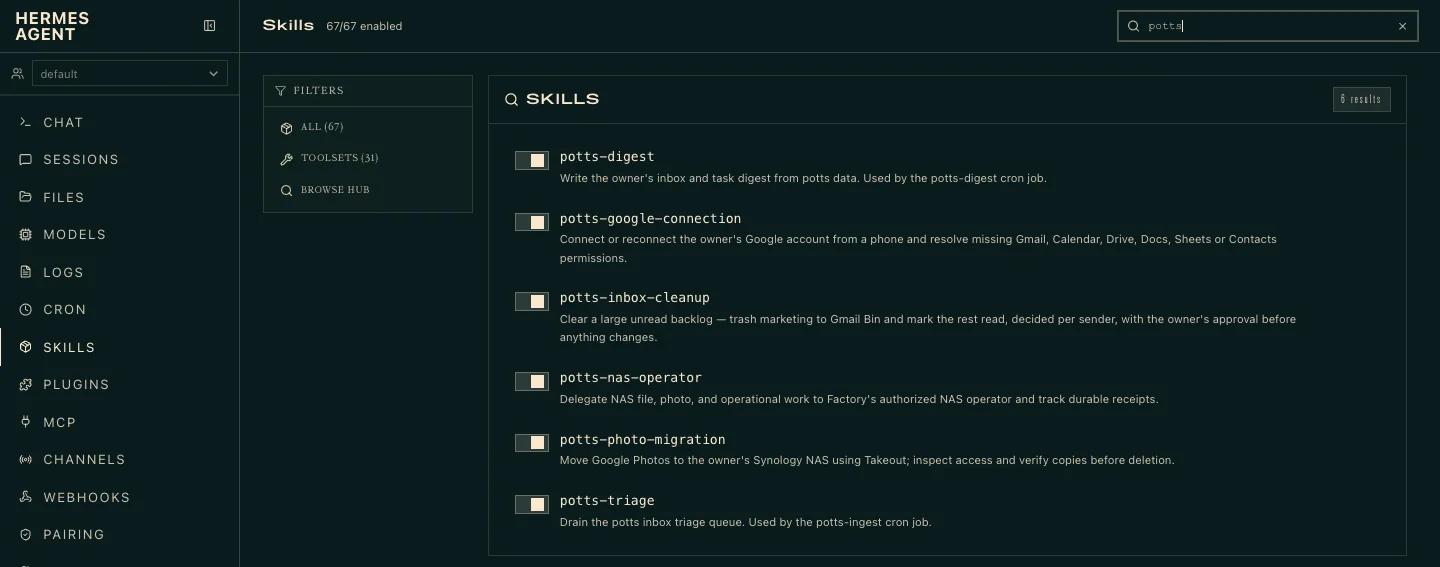
Assistant-Only Work: Calendar and Inbox on Potts
Inbox triage, a morning digest and calendar management run only on my assistant instance. Nothing else needs those skills or that Google grant, so nothing else gets them.
One Skill Registry for Every Harness
Claude Code, Codex, Hermes and Pi get their agents and skills from one registry. Upstream skill packs are pinned to exact commits and never patched; changes are forks with provenance.
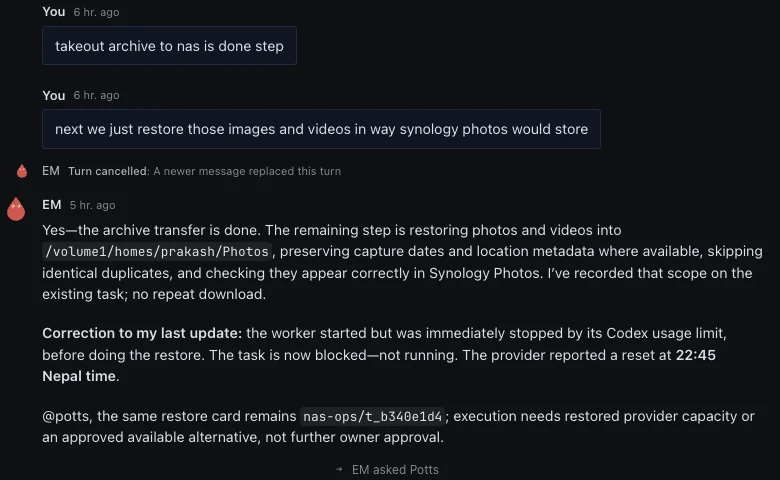
Steering Hermes Agents From One Place
One shared room, @mentions and the Hermes web and mobile apps let me redirect four agent instances mid-task. The Google Photos to NAS migration shows how that works in practice.
What did you take away?
Thoughts, pushback, or a story of your own? Drop a reply below — I read every one.
Comments are powered by Disqus. By posting you agree to theirterms.