My Music After Spotify: Discovery, Ownership and an Offline iPod
I wanted to leave Spotify without giving up the pleasure of finding music. This is how my own library, Navidrome, ListenBrainz, AudioMuse and an offline iPod fit together.
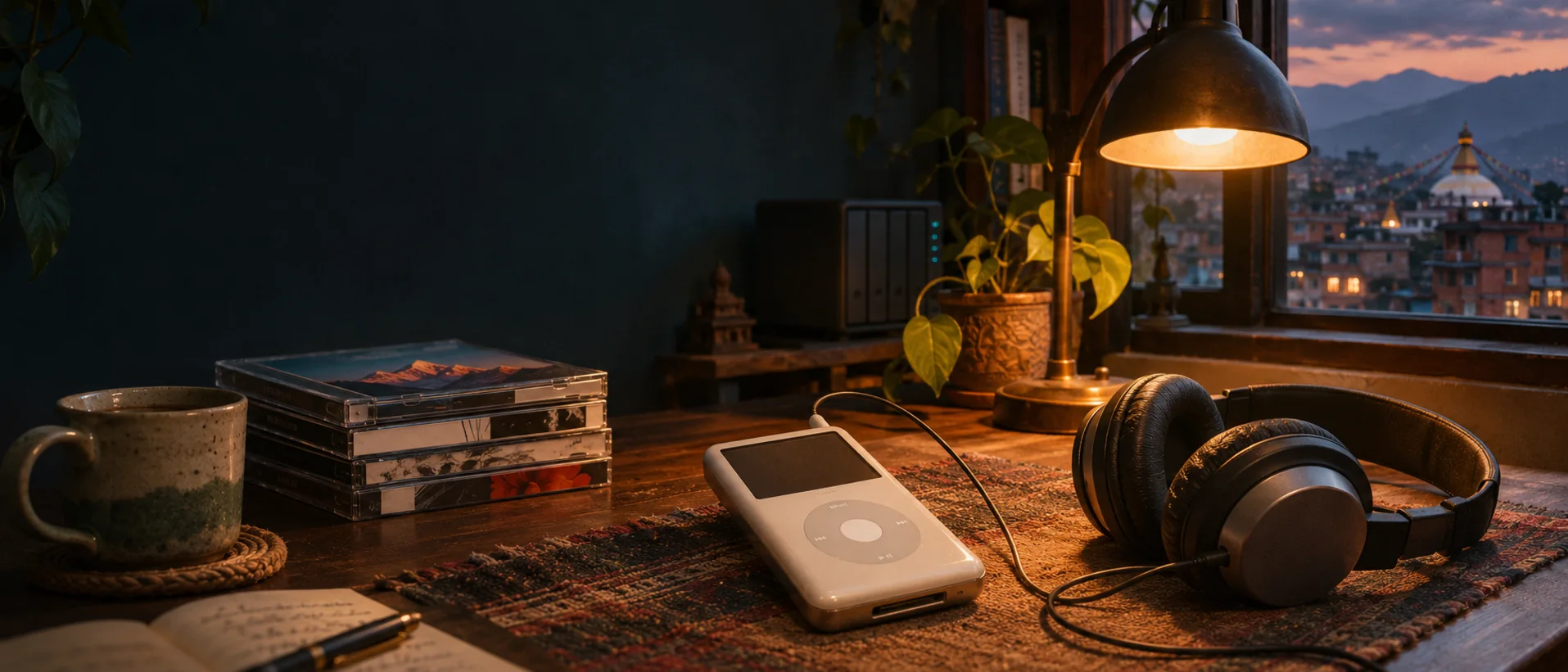
I wanted to leave Spotify, but I didn’t want to stop finding music. I liked opening an app without a song in mind and hearing something I wanted to play again. A folder of albums could hold my favourites, but I worried I would keep choosing the same ones.
What I wanted was to choose music from files I own, while still leaving room for something new. I could keep a recording I loved, decide where to play it, and take it with me. Building that library took some work. Then I needed a way to enjoy it without spending every evening sorting files.
Navidrome is where I play that music at home. It turns the files on my storage drive into a library I can browse by song or album. Most days, I just want to pick something and listen.
Sometimes I know the first song I want, but not the next one. I tried starting with “Aama” by Sushant KC and choosing Instant Mix. Behind that mix is AudioMuse, which finds similar sounding songs among the files I already have. Sonic analysis means comparing how songs sound, including their rhythm, energy and tone. It gives me a way to wander through my own collection without choosing every track myself. The AudioMuse guide covers the Navidrome setup and the measured whole-library run.
That helps me find music I’ve already kept. For suggestions based on listening habits, I use ListenBrainz. It looks at what I play and what other people listen to, then suggests music I might like. Some of those suggestions match files in my library and become playlists I can play. Others give me something new to look for. The listening history and playlist setup has its own notes, too.
When I want to explore music I don’t own, Aurral helps me discover it and request additions to my library. I still choose what to add. Finding a title is only part of it; sometimes I want one particular recording of a song.
That happened with “Je Chhau Timi.” I already had the 2023 studio recording, but I wanted the distinct 2025 live performance with Swoopna Suman and Sushant KC. I checked the recording, added the audio manually, and made sure it appeared as a separate track. This wasn’t an Aurral import. I kept the source audio as M4A rather than changing it to FLAC, which wouldn’t improve it. It was a small addition, but it meant I could play the performance I had gone looking for.
Playlists are a big part of how I listen offline. I’ve built them around my listening habits: Bollywood Top, Nepali, Hindi Indie, Forever Classics. My offline iPod running Rockbox is getting a 256 GB storage upgrade so I can keep my whole music library on it. When I listen offline, I choose a curated playlist to suit my mood and leave my phone alone while it plays.
I enjoy the iPod’s Wolfson sound with ordinary wired headphones. That’s my preference, not a claim that it sounds better for everyone. My Sony WH-1000XM4 works for this too, connected with a headphone cable. I like sitting down with it and listening without much else to do.
I take selected music and playlists from the same library into my car, too. I pick a playlist and let the songs play through. If I don’t like a song in a playlist, I usually give it one star. Those ratings help me fine-tune the playlists later, so the next time I choose one, it has more of what I want to hear.
The practical follow-up is how I use the library, discovery tools and offline playlists.

Running My Own Music Stack
7 parts in this series.
A self-hosted music setup with no subscription that keeps the fun parts of streaming: finding new songs, sounds-like-this mixes, listening stats and music that goes offline. Part 1 explains why I left Spotify; the rest are the build guides for a lossless library, Navidrome, AudioMuse, ListenBrainz, Spindle stats and a Rockbox iPod.
- 01My Music After Spotify: Discovery, Ownership and an Offline iPod← you are here
- 02Building a Lossless Music Library You Ownup next
- 03The iPod as an Offline Music Player: Rockbox, Flash Storage and Playlist Sync
- 04Keeping Your Listening History: ListenBrainz for Navidrome and an Offline iPod
- 05Finding Similar Songs with AI: AudioMuse and Navidrome
- 06Seeing My Listening: Spindle Stats and a Yearly Recap for Navidrome
- 07My Everyday Music Workflow, Without a Subscription
What did you take away?
Thoughts, pushback, or a story of your own? Drop a reply below — I read every one.
Comments are powered by Disqus. By posting you agree to theirterms.