Solving screen flickering issue in freshly installed ubuntu
How to stop your flickering screen in freshly installed ubuntu
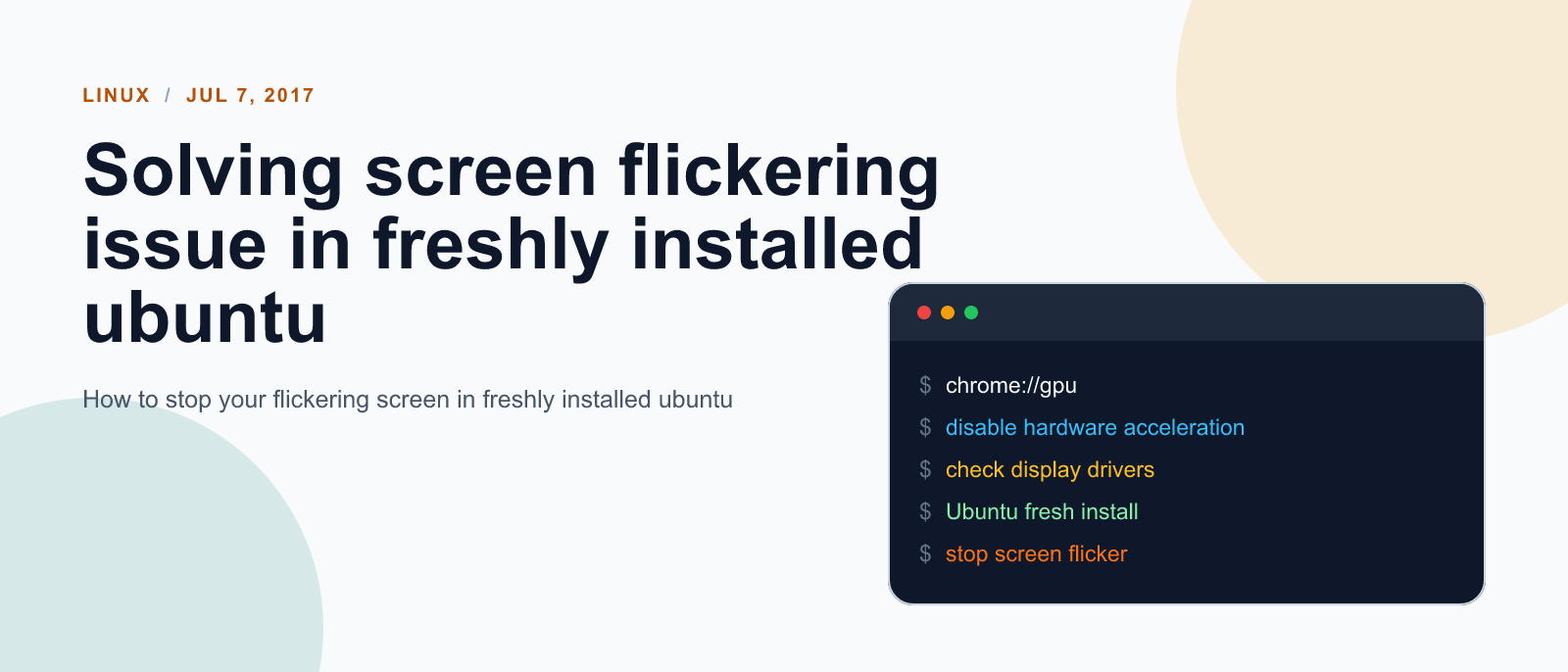
Recently I upgraded my ubunutu to 17.04. After few minutes with this new os, I started noticing that my screen was flickering. At first, I thought it was problem in new os but soon came to notice that it occured only when chrome was open.
If you also happen to bump into such issue after installing chrome in freshly setup ubuntu machine, You can solve this problem by disabling hardware acceleration for your browser.
You can follow following steps to disable hardware acceleration:
Settings > Advance Settings > System > uncheck the hardware acceleration.
References:

Keep reading
Fix mise GitHub Rate Limit with a Token
mise makes unauthenticated GitHub API calls by default. When you hit the rate limit installing tools, a personal access token (no scopes required) fixes it permanently.

How to solve Deployment Failure-`assets:precompile`
I was trying to deploy rails 6 app on ec2 server using capistrano when precompile failure lead to whole deploymentt failure. I had to uninstall cmdtest and install yarn
How to Sort an Array of Objects in JavaScript
How to Sort an Array of Objects in JavaScript
What did you take away?
Thoughts, pushback, or a story of your own? Drop a reply below — I read every one.
Comments are powered by Disqus. By posting you agree to theirterms.