code-quality
Display Current Branch Name in Terminal
Display Current Branch Name in Terminal
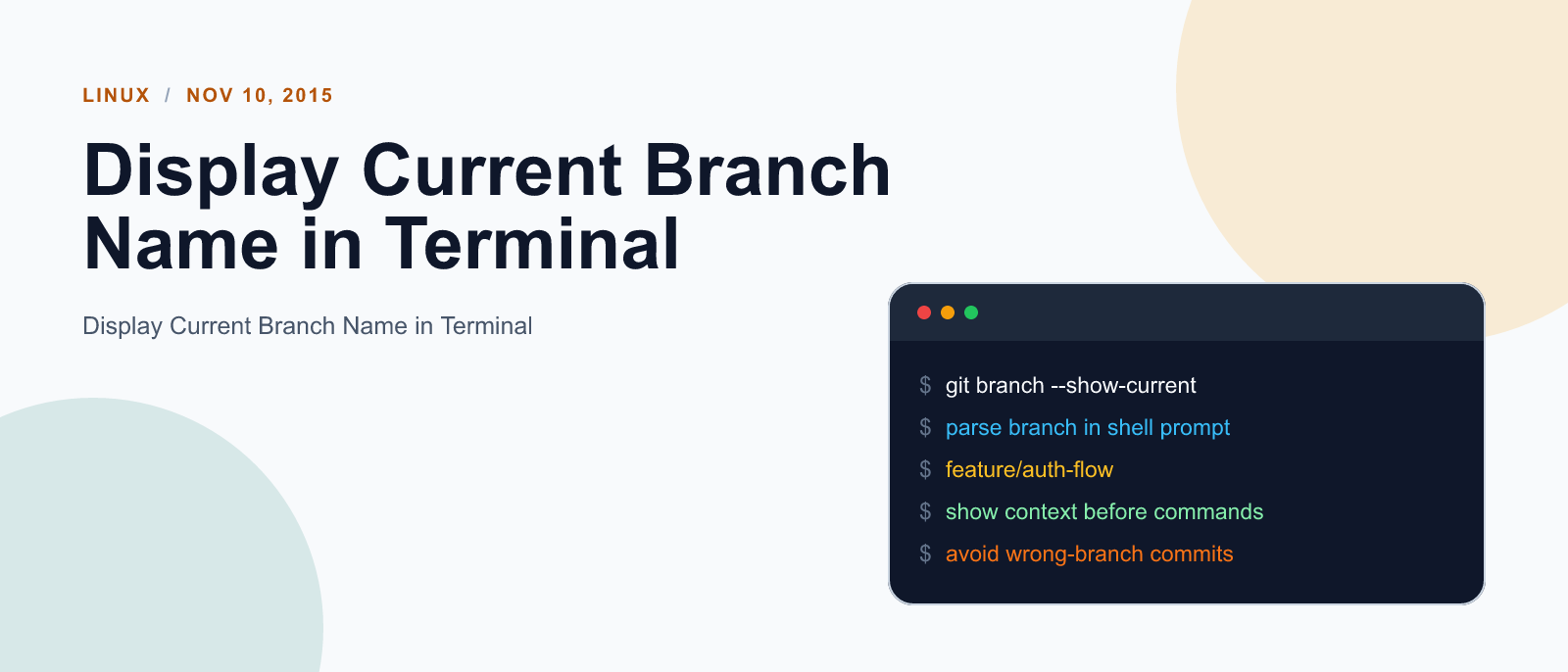
To show current branch name in terminal first open ~/.bashrc in any of your favourire text editor
sudo nano ~/.bashrc
then add the following code at the end of file.
# display the current branch name in the terminal
function parse_git_branch () {
git branch 2> /dev/null | sed -e '/^[^*]/d' -e 's/* \(.*\)/ (\1)/'
}

RED="\[\033[0;31m\]"
YELLOW="\[\033[0;33m\]"
GREEN="\[\033[0;32m\]"
NO_COLOR="\[\033[0m\]"

PS1="$GREEN\u@\h$NO_COLOR:\w$YELLOW\$(parse_git_branch)$NO_COLOR\$ "
Keep reading
code-quality
Fix mise GitHub Rate Limit with a Token
mise makes unauthenticated GitHub API calls by default. When you hit the rate limit installing tools, a personal access token (no scopes required) fixes it permanently.

code-quality
How to solve Deployment Failure-`assets:precompile`
I was trying to deploy rails 6 app on ec2 server using capistrano when precompile failure lead to whole deploymentt failure. I had to uninstall cmdtest and install yarn

code-quality
How to Sort an Array of Objects in JavaScript
How to Sort an Array of Objects in JavaScript
What did you take away?
Thoughts, pushback, or a story of your own? Drop a reply below — I read every one.
Comments are powered by Disqus. By posting you agree to theirterms.