code-quality
List of git commands
List of git commands you can use
Getting & Creating Projects
| Command | Description |
|---|---|
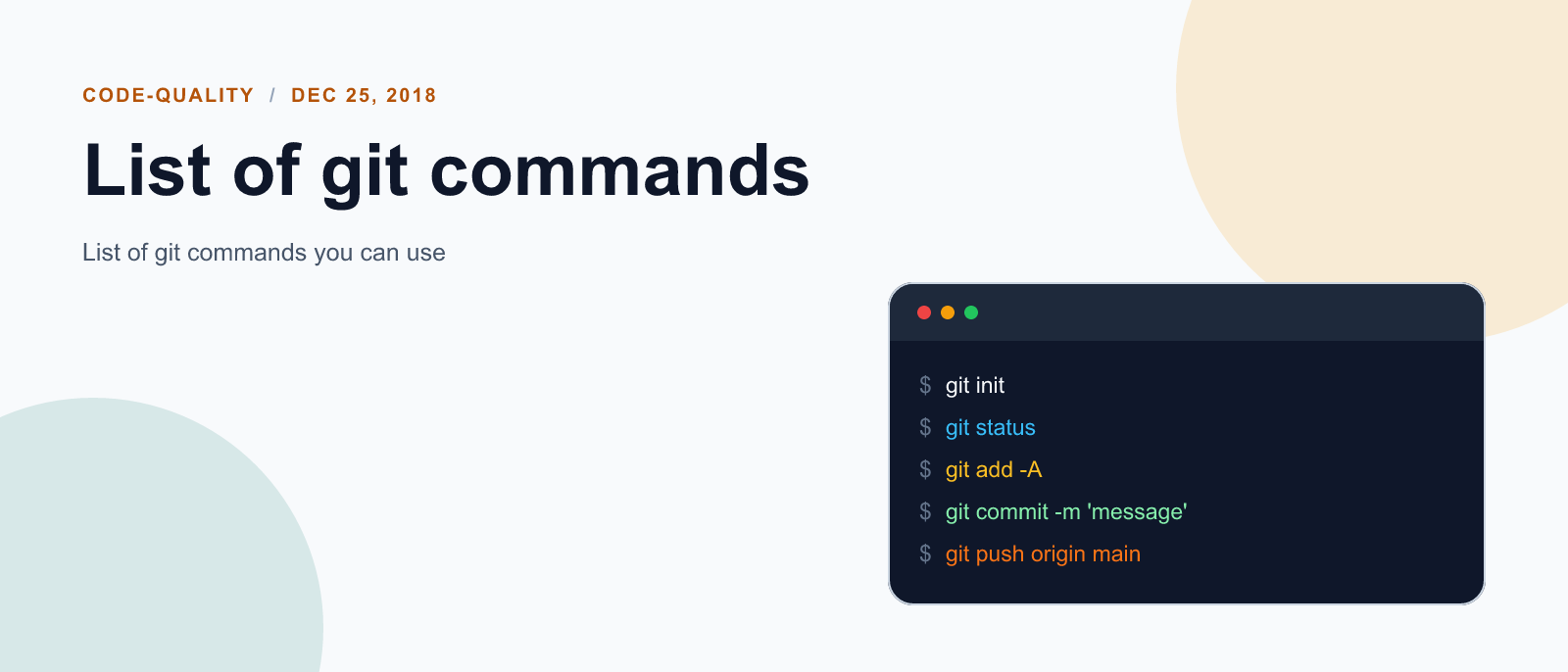
git init | Initialize a local Git repository |
git clone ssh://git@github.com/[username]/[repository-name].git | Create a local copy of a remote repository |
Basic Snapshotting
| Command | Description |
|---|---|
git status | Check status |
git add [file-name.txt] | Add a file to the staging area |
git add -A | Add all new and changed files to the staging area |
git commit -m "[commit message]" | Commit changes |
git rm -r [file-name.txt] | Remove a file (or folder) |
Branching & Merging
| Command | Description |
|---|---|
git branch | List branches (the asterisk denotes the current branch) |
git branch -a | List all branches (local and remote) |
git branch [branch name] | Create a new branch |
git branch -d [branch name] | Delete a branch |
git push origin --delete [branchName] | Delete a remote branch |
git checkout -b [branch name] | Create a new branch and switch to it |
git checkout -b [branch name] origin/[branch name] | Clone a remote branch and switch to it |
git checkout [branch name] | Switch to a branch |
git checkout - | Switch to the branch last checked out |
git checkout -- [file-name.txt] | Discard changes to a file |
git merge [branch name] | Merge a branch into the active branch |
git merge [source branch] [target branch] | Merge a branch into a target branch |
git stash | Stash changes in a dirty working directory |
git stash clear | Remove all stashed entries |
Sharing & Updating Projects
| Command | Description |
|---|---|
git push origin [branch name] | Push a branch to your remote repository |
git push -u origin [branch name] | Push changes to remote repository (and remember the branch) |
git push | Push changes to remote repository (remembered branch) |
git push origin --delete [branch name] | Delete a remote branch |
git pull | Update local repository to the newest commit |
git pull origin [branch name] | Pull changes from remote repository |
git remote add origin ssh://git@github.com/[username]/[repository-name].git | Add a remote repository |
git remote set-url origin ssh://git@github.com/[username]/[repository-name].git | Set a repository’s origin branch to SSH |
Inspection & Comparison
| Command | Description |
|---|---|
git log | View changes |
git log --summary | View changes (detailed) |
git diff [source branch] [target branch] | Preview changes before merging |
Patching
| Command | Description |
|---|---|
git-diff | View changes |
git rebase [branch name] | Reapply commits on top of another base tip |
git revert [commit] | Revert existing commits |

Keep reading
code-quality
Fix mise GitHub Rate Limit with a Token
mise makes unauthenticated GitHub API calls by default. When you hit the rate limit installing tools, a personal access token (no scopes required) fixes it permanently.

code-quality
How to solve Deployment Failure-`assets:precompile`
I was trying to deploy rails 6 app on ec2 server using capistrano when precompile failure lead to whole deploymentt failure. I had to uninstall cmdtest and install yarn

code-quality
How to Sort an Array of Objects in JavaScript
How to Sort an Array of Objects in JavaScript
What did you take away?
Thoughts, pushback, or a story of your own? Drop a reply below — I read every one.
Comments are powered by Disqus. By posting you agree to theirterms.