Tracking Tokens-Per-Session: The Number Claude Code Hides
Tokens-per-session is the single most useful signal for agentic coding sessions — and Claude Code doesn't show it. /usage gives you cost. /context gives you window percent. Neither sums to the number you actually want. Here's what to track, why, and how to put it on your statusline.

If you’re working in Claude Code (or any agentic CLI) for more than a few hours a week, there is exactly one number you should be watching mid-session that the tool doesn’t show you:
Tokens used so far in this session.
Not cost in dollars. Not context-window percentage. Tokens.
TL;DR
- The metric to track mid-session is cumulative tokens spent, summed across all turns and models.
/usageshows cost in dollars and a four-part token breakdown per model. It does not sum to a session total./contextshows how full your current context window is. That’s a different number, and it lies to you about session spend once compaction kicks in.- Surface it ambiently — the statusline JSON payload has the raw fields; sum and print. Companion post — Your Statusline is the Cheapest Feedback Loop in Agentic Coding — covers the script.
Why this number matters
Four reasons, in order of how often they bite:
- Rate-limit budgeting. Max-plan users hit 5-hour and 7-day rolling rate limits, not absolute caps. Tokens-per-session is the input. If you don’t know it, you don’t know how much runway is left before the next reset.
- Quality drift. Long sessions degrade — context gets noisier, the model starts repeating itself, edits get sloppier. Token count is a leading indicator: somewhere around 60–80k for most workflows, a fresh session beats a continued one even if
/contextsays you have headroom. - Scope-creep detection. “Small refactor” sessions that quietly turn into 200k-token marathons are the single most common failure mode of agentic coding. Watching the number tick up while you work is what catches this —
/usageafter the fact does not. - Cost attribution (API users only). Tokens map directly to dollars. If a teammate asks how much that experiment cost, you need an answer.
The three numbers people confuse
Most of the confusion in agentic-coding setups is mistaking one of these for another. They are not interchangeable:
| Number | What it measures | When it lies to you | When it’s the right one to watch |
|---|---|---|---|
| Cost ($) | Estimated dollars spent this session, computed from token counts × model rates | On Max/Pro you pay a flat rate, so the dollar figure doesn’t reflect what you actually pay | API users, billing reconciliation |
| Context-window % | How much of the model’s window is currently occupied by system prompt, tools, memory, and conversation | Goes down after /compact or rolling drops — but tokens are still spent. Can read 8% after burning 200k tokens. | ”Am I about to hit the wall on this turn?” — short-horizon |
| Tokens-per-session | Cumulative input + output (+ cache) summed over every turn so far | Doesn’t tell you what the tokens were spent on (use /context for that) | Everything else: rate-limit budgeting, quality drift, scope creep, cost |
If you only watch one, watch tokens-per-session. If you watch two, add context-% for the short-horizon “will this turn fit?” question.
What /usage actually shows
Claude Code ships /usage (aliases: /cost, /stats). Here’s the output from a real session:
Session
  Total cost:            $0.0801
  Total duration (API):  2s
  Total duration (wall): 26m 17s
  Total code changes:    0 lines added, 0 lines removed
  Usage by model:
       claude-opus-4-7:  6 input, 16 output, 16.5k cache read, 11.4k cache write ($0.0801)

Current session
  ███                                                6% used
  Resets 9:25am

Current week (all models)
  █████████▌                                         19% used
What you get:
- Cost in dollars. Mostly noise on Max.
- Wall-clock and API duration. Adjacent.
- A four-number per-model breakdown — input, output, cache read, cache write. These are tokens, but they’re not summed. To answer “how many tokens this session?” you have to mentally add four numbers per model, then sum across models. Nobody does that mid-session.
- Two rate-limit % bars for the 5-hour and 7-day rolling windows. These are the outputs of session token spend; they tell you you’re 19% in, not how you got there.
What you don’t get: a single line that says Session tokens: 28,012. The data is there. The compute isn’t.
About those four numbers — the cache nuance
The per-model row separates input / output / cache-read / cache-write for a reason. They bill at very different rates:
- Input tokens — full rate.
- Output tokens — ~5× input.
- Cache reads — ~10% of input. (This is why long sessions with stable system prompts get cheap fast.)
- Cache writes — ~125% of input. (One-time cost to populate the cache.)
If you’re tracking for dollar cost, you need the weighted sum and /usage already shows the dollar figure. If you’re tracking for rate-limit pressure, sum all four — the rate limiter counts them. If you’re tracking for session quality / scope creep, sum input + output and ignore cache (cache traffic doesn’t make the conversation longer).
The statusline script I run sums input + output for that reason. Cache reads and writes are a separate concern.
The one cache metric worth watching live: cache_creation_input_tokens
Beyond the total token count, there’s one per-turn signal worth surfacing separately: cache_creation_input_tokens (how many tokens were newly written to cache this turn, i.e. cache-write cost). A high value on every turn means your cache is being busted repeatedly — you’re paying full write cost instead of cheap read cost.
The statusline payload exposes this at context_window.current_usage.cache_creation_input_tokens and cache_read_input_tokens. The ratio between them tells the story: a healthy session has a big cache_creation spike at the start (building context), then mostly cache_read for every subsequent turn. If you see high cache_creation on turn 15, something changed — a model switch, an MCP server added mid-session, or a CLAUDE.md edit. The statusline post covers how to display this as a colour-coded cc:|cr: field.
What /context actually shows
The other obvious place to look is /context. It does something completely different from what the name might suggest:
Model: claude-opus-4-7[1m]
Tokens: 78k / 1m (8%)

Estimated usage by category
  System prompt:  8.1k (0.8%)
  System tools:   6.4k (0.6%)
  Memory files:   6.4k (0.6%)
  Skills:           9k (0.9%)
  Messages:      48.6k (4.9%)
  Free space:   921.3k (92.1%)
This is context-window occupancy — how much of the model’s 1M-token window is currently filled by system prompt, MCP tool definitions, memory files, skills, and the conversation so far. Excellent diagnostic if you want to know why your context is filling up (mine was being eaten by an unused PM-skills plugin pack — different post).
What it doesn’t show: cumulative tokens spent over the whole session. The two diverge as soon as Claude compacts old turns or rolls them off. You can read ctx: 8% and still have burned 200k tokens over the past hour.
Rough benchmarks
The first question every engineer asks once and never asks again: is 80k a lot? Anchors, with the caveat that variance is huge:
| Session shape | Tokens (input + output) |
|---|---|
| One-off: typo fix, single-file rename, doc lookup | 2–10k |
| Small task: one feature, a few files, one round of tests | 15–40k |
| Medium task: multi-file refactor, new endpoint with tests | 40–100k |
| Large task: cross-cutting change, exploratory architecture work | 100–250k |
| Something has gone wrong | 300k+ in under an hour with low signal |
These are working numbers from my own sessions, not rules. If you’re consistently in the 150k+ band for things that feel small, your prompts are doing too much or your agent is being asked to discover instead of execute.
The ratio nobody talks about: tokens per net LOC
Two numbers your statusline already shows: total tokens, and lines added/removed by the agent. Divide one by the other and you get a ratio almost nobody tracks:
Tokens spent ÷ net lines of code shipped.
A session ending at 70.4k tok and +93/-45 shipped a net 48 lines. That’s ~1,470 tokens per net LOC. Rough bands I’ve calibrated against my own work:
| Tokens / net LOC | What it usually means |
|---|---|
| < 500 | Mechanical edit — rename, codemod, bulk replacement. Should be cheap. |
| 500–2,000 | Healthy feature work — the agent read context, made a plan, shipped. |
| 2,000–5,000 | Exploration-heavy — debugging, refactor with unclear endpoint, lots of reads per write. Normal for hard problems, suspicious for easy ones. |
| > 5,000 | Thrashing — the agent is searching, re-reading, second-guessing. Stop and re-prompt. |
Two caveats so the ratio doesn’t mislead you:
- Read-heavy turns wreck it. A session whose job was “explain this codebase” ships zero lines but burns real tokens. The ratio is meaningful only when you expected code output.
- Net lines hide churn. An agent that wrote 400 lines, deleted 350 of them, and ended at
+50looks identical to one that wrote 50 lines cleanly. The first one is way more expensive. If you care about that, watchlines_added + lines_removed(gross), not the net.
The ratio earns its keep as a retrospective check, not a live signal. End of session, glance at it, ask: “did I get my tokens’ worth?” Over a few weeks of doing this, you build calibration for what your own work should cost.
How to surface it ambiently
Claude Code pipes a JSON payload to your statusline script on every render. context_window.total_input_tokens + total_output_tokens is the number you want; humanize and print. The mechanics — script, settings block, fork budget, the ${var/#$HOME/~} gotcha — are in the companion piece: Your Statusline is the Cheapest Feedback Loop in Agentic Coding.
The point isn’t the layout. The point is that the number is ambient instead of behind a slash command. On-demand signals you have to summon every few minutes are signals you stop summoning.
What to do when the number is high
Concrete playbook — what each threshold should trigger:
- ~40–60k and a task that should have been small — stop, scope down. The agent is probably exploring instead of executing. Tighten the prompt, restart the task.
- ~80k+ on a long-running task — finish the current turn,
/compact, continue. Quality drift hasn’t hit yet but is coming. - Token count climbing fast while diff stays small (e.g.
+12/-8after 60k tokens) — the agent is thrashing. Interrupt, give it a sharper instruction, or restart with a tighter brief. - Token count climbing fast and diff also large (
+800/-400in 10 minutes on a “small” task) — scope has run away. Stash, fresh session, re-plan. - Approaching the 5-hour rate-limit ceiling — switch to
/modelSonnet or Haiku for cheap turns, or save the heavy work for after reset. Don’t burn Opus tokens on small stuff when you’re near the wall. - Context near-full AND tokens high — the session is over. Capture what you have, commit,
/clear, start fresh.
The single highest-leverage habit: glance at the number before sending each turn. Three seconds of friction, catches 90% of runaway sessions.
What this post does not cover
- Cross-session aggregation. If you want “tokens this week,” the statusline doesn’t give that — it’s per-session. The community tool
ccusagereads Claude Code’s local JSONL logs and reports daily / weekly / per-project totals. Install it once, run it when you need the rollup. - Billing reconciliation. The dollar number in
/usageis an estimate, not an invoice. For real billing, the Anthropic console is authoritative. - Team-level dashboards. Out of scope. If you need exec-level usage reporting, that’s a different tooling problem.
When not to track this
Two-minute “rename this variable” sessions don’t need a token watch. Neither does a quick /help lookup. Tracking matters when:
- You’re driving the agent for more than ~15 minutes of wall time, or
- The task could plausibly run away (refactor, debugging, exploration), or
- You’re on a constrained plan tier and the day’s budget is real.
Don’t over-apply the lens. The cost of constantly glancing at a statusline is low but non-zero. For trivial tasks, ignore it.
How this came up
A friend asked me how many tokens my last session burned. I didn’t have an answer — I’d been watching ctx:% for months and treating that as my dashboard. It wasn’t. The reframe took twenty-five minutes of bash and changed my behaviour mid-session more than any prompt-engineering tip I’ve picked up this year.
The companion post — Your Statusline is the Cheapest Feedback Loop in Agentic Coding — has the actual script and the field-by-field rationale. Read it after this one.
Paste your ccusage export into the Token Cost Calculator to inspect the same session costs →

Keep reading

Agent Config, Installed Tool, and Live Behavior Are Three Different Things
A model or workflow can be correct in source and still be absent from the installed runtime. Verify each layer before claiming it works.
Running Independent AI Research Trials
Two isolated research environments can work from the same source material while keeping their analysis independent and reviewable.
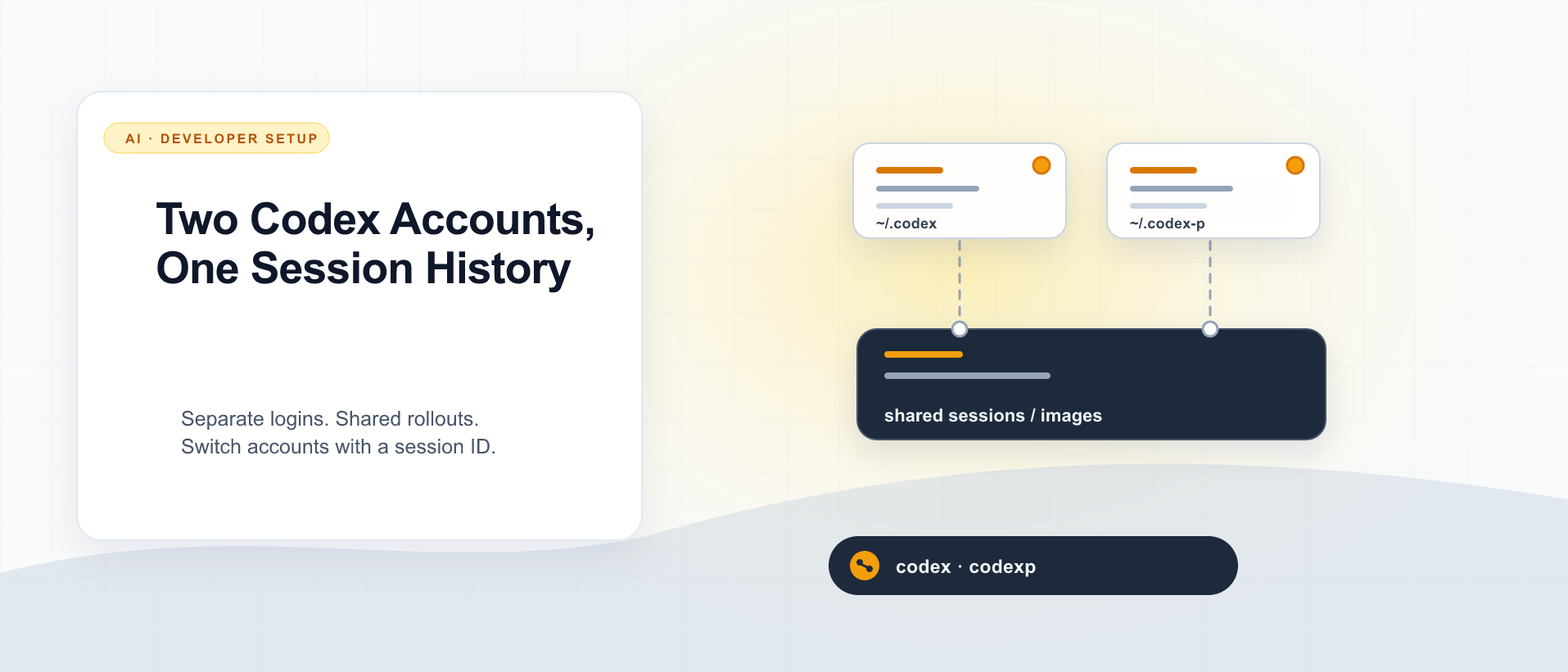
Two Codex Accounts, One Session History
Use CODEX_HOME for a second Codex login, then share only the session files you need to resume by ID. Here is the setup I use, what stays separate, and what I actually verified.
What did you take away?
Thoughts, pushback, or a story of your own? Drop a reply below — I read every one.
Comments are powered by Disqus. By posting you agree to theirterms.