Making Rbenv Work With Zsh
Making Rbenv Work With Zsh
I have heard lots of great things about zsh. I had already installed zsh in my system and tried out few times.
But I had not yet thought of using it as my default shell. Today, I decided to switch my default shell to zsh.
Every new adoption comes with some learning experience. Zsh has already come up with first challenge for me:
My rbenv stopped working!
I would set my default ruby version to 2.3.0 and switch to some project folder and do ruby -v and it would show 1.9.3-p374 as my ruby versions.
I copied some of my config from .bashrc to .zshrc with the hope to solve this problem.
# rbenv settings
export PATH="$HOME/.rbenv/bin:$PATH"
eval "$(rbenv init -)"
export PATH="$HOME/.rbenv/plugins/ruby-build/bin:$PATH"
But then I started getting error everytime I opened new terminal:
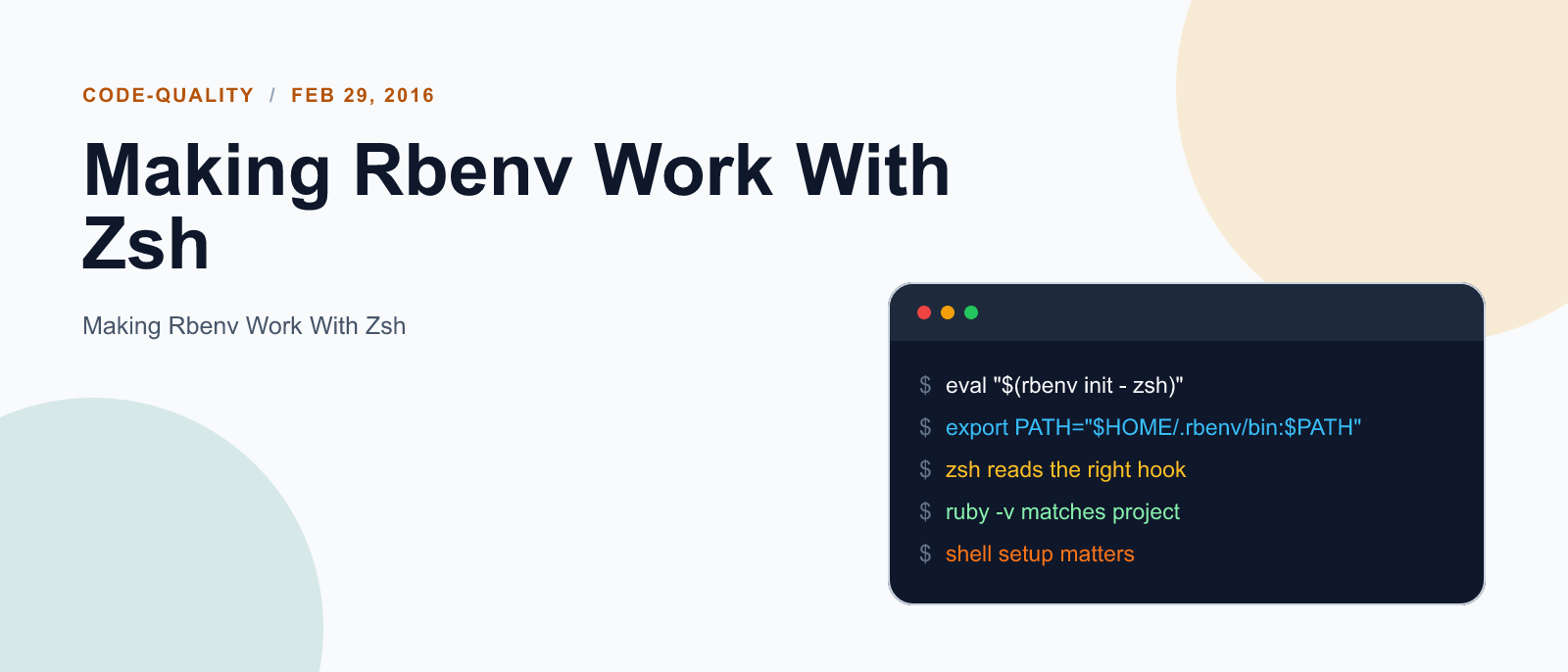
/home/fleck/.rbenv/libexec/../completions/rbenv.bash:16: command not found: completeI searched a bit and found that I need to update my rbenv settings from eval "$(rbenv init -)" to eval "$(rbenv init - zsh)" in order to work normally.
With this change, My rbenv started working normally. Here is how my rbenv settings in .zshrc file looks like currently:
# rbenv settings
export PATH="$HOME/.rbenv/bin:$PATH"
eval "$(rbenv init - zsh)"
export PATH="$HOME/.rbenv/plugins/ruby-build/bin:$PATH"
Hope this helps you too.
Happy Learning!
References:

Keep reading
Fix mise GitHub Rate Limit with a Token
mise makes unauthenticated GitHub API calls by default. When you hit the rate limit installing tools, a personal access token (no scopes required) fixes it permanently.

How to solve Deployment Failure-`assets:precompile`
I was trying to deploy rails 6 app on ec2 server using capistrano when precompile failure lead to whole deploymentt failure. I had to uninstall cmdtest and install yarn

How to Sort an Array of Objects in JavaScript
How to Sort an Array of Objects in JavaScript
What did you take away?
Thoughts, pushback, or a story of your own? Drop a reply below — I read every one.
Comments are powered by Disqus. By posting you agree to theirterms.