Upgrade Nodejs Using npm
how to upgrade Nodejs version using npm
There are two kinds of nodejs users I frequently meet:
- who use sudo with every npm command
- who don’t use sudo with every npm command ([learn about that here][how to install nodejs in ubuntu])
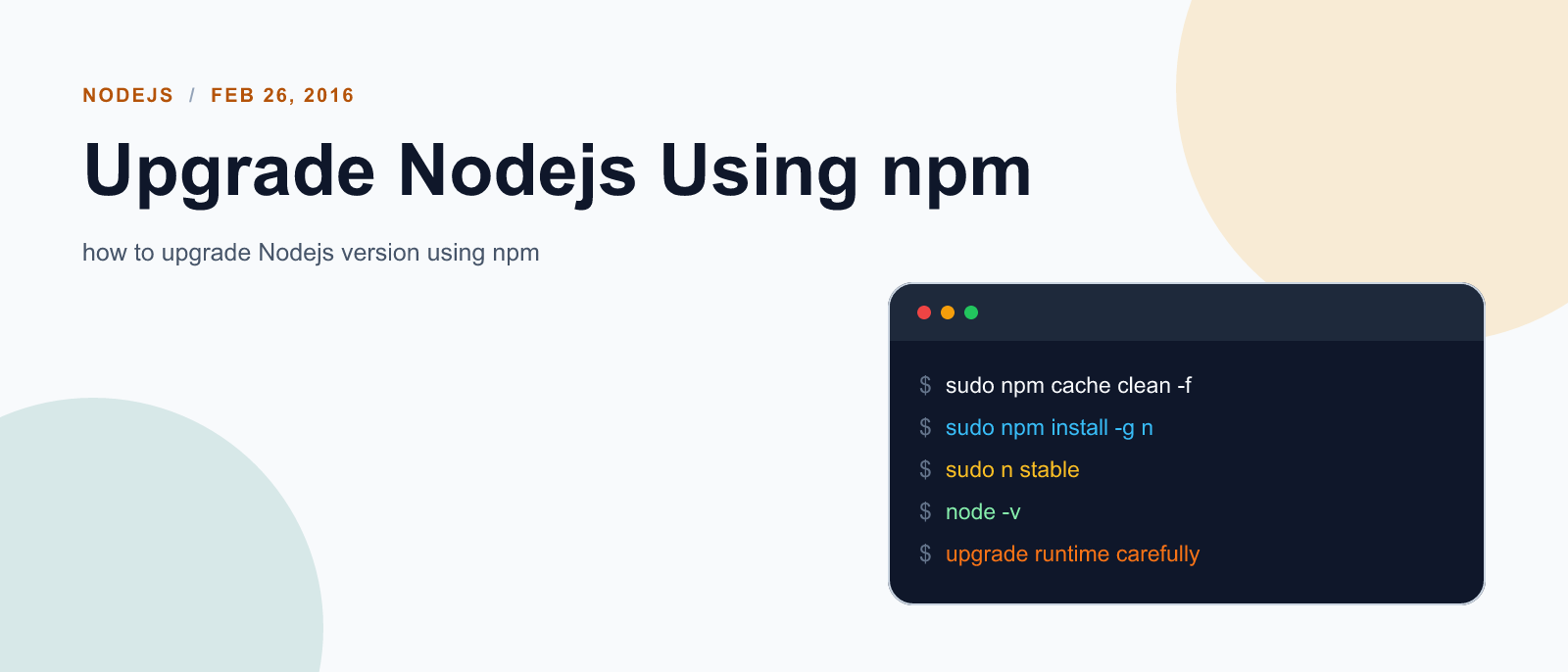
If you fit into first list. Good news for you, you can very simply upgrade your node version using npm.
sudo npm cache clean -f
sudo npm install -g n
sudo n stable
And poof you have latest stable version of node installed in your machine! But if you are of second kind, then last line will give you error like this:
$ sudo n stable
sudo: n: command not found
Chances are also there that you tried without sudo command and output might have been like this:
$ n stable
mkdir: cannot create directory ‘/usr/local/n’: Permission denied
mkdir: cannot create directory ‘/usr/local/n’: Permission denied

     install : node-v5.6.0
       mkdir : /usr/local/n/versions/node/5.6.0
mkdir: cannot create directory ‘/usr/local/n’: Permission denied
It sucks! It absolutely sucks when nothing works! But when something simple does not works, there needs to be some other way to make things work. And below is the code that will work for you.
$ sudo -E env "PATH=$PATH" n stableSometime you may want to install lts or other releases instead of stable version, in that case you can specify the version name in place of stable. Your code might look like this:
$ sudo -E env "PATH=$PATH" n 4.3.1 # most recent LTS version is 4.3.1

# in case you had been first type one
# your code might look like
$ sudo n 4.3.1
References:
- [david walsh on how to upgrade node using n][david walsh blog]
- [how to upgrade node using npm][upgrade node using npm]
- [ubuntu forum answer][how to upgrade node for non sudo guys]
[how to install nodejs in ubuntu]: {{ site.url }}/nodejs/setup-nodejs-in-ubuntu/ [david walsh blog]: https://davidwalsh.name/upgrade-nodejs [upgrade node using npm]: http://theholmesoffice.com/node-js-fundamentals-how-to-upgrade-the-node-js-version/ [how to upgrade node for non sudo guys]: http://askubuntu.com/a/645119

Keep reading

Fix mise GitHub Rate Limit with a Token
mise makes unauthenticated GitHub API calls by default. When you hit the rate limit installing tools, a personal access token (no scopes required) fixes it permanently.

How to solve Deployment Failure-`assets:precompile`
I was trying to deploy rails 6 app on ec2 server using capistrano when precompile failure lead to whole deploymentt failure. I had to uninstall cmdtest and install yarn

How to Sort an Array of Objects in JavaScript
How to Sort an Array of Objects in JavaScript
What did you take away?
Thoughts, pushback, or a story of your own? Drop a reply below — I read every one.
Comments are powered by Disqus. By posting you agree to theirterms.