Hooks That Pay for Themselves
A session-start hook runs once, costs nothing, and gives your agent context it would otherwise ask for or guess wrong. The highest-leverage 10 lines you'll write this week.
Read transcript
You open a new session. The agent asks: “What are we working on today?” Or worse — it doesn’t ask. It assumes. It looks at the last few files, picks up a thread from three days ago that you already shipped, and starts doing the wrong thing with full confidence.
Both outcomes cost you the same thing: the first two to three minutes of every session, narrating context the agent should already have. Multiply that across five sessions a day. Multiply that across the team. That’s real time, and it’s entirely recoverable with a hooks configuration.
What hooks are
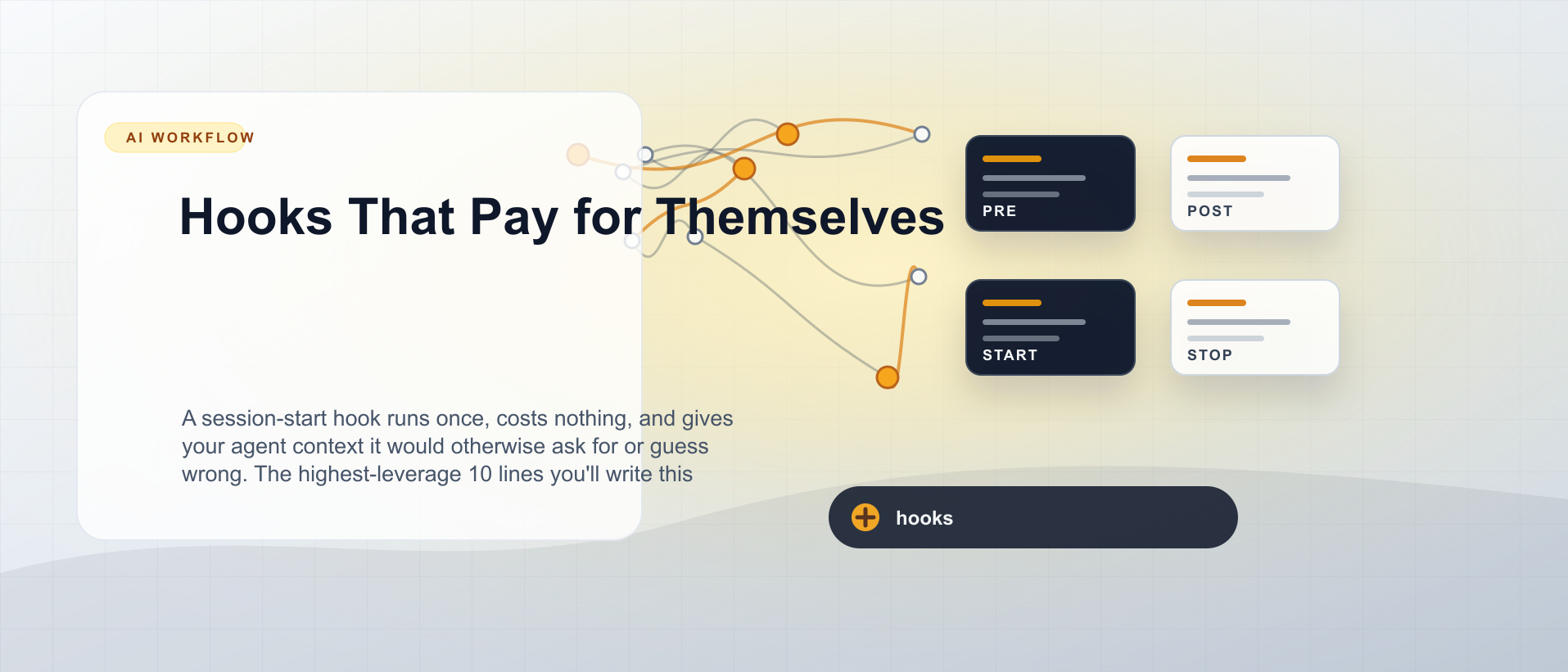
Hooks are shell commands that run on lifecycle events in the agent session. Claude Code exposes four:
SessionStart— runs once when you open a new sessionPreToolUse— runs before the agent calls a tool (before writing a file, before running a command)PostToolUse— runs after the agent calls a toolStop— runs when the agent finishes its response
The hook’s stdout is injected into the agent’s context as a system reminder. The agent reads it. There’s no parsing, no special format — plain text works.
Where they live
Hooks live in settings.json. For project-scoped hooks, that’s .claude/settings.json (committed, team-shared). For global hooks that apply across all projects, ~/.claude/settings.json.
The JSON structure:
{
  "hooks": {
    "SessionStart": [
      {
        "hooks": [
          {
            "type": "command",
            "command": "cat .claude/context.md 2>/dev/null || true"
          }
        ]
      }
    ],
    "PostToolUse": [
      {
        "matcher": "Write",
        "hooks": [
          {
            "type": "command",
            "command": "pnpm tsc --noEmit 2>&1 | tail -20"
          }
        ]
      }
    ]
  }
}
The matcher field on PreToolUse and PostToolUse filters by tool name: "Write", "Bash", "Read", etc. Without a matcher, the hook runs on every tool call — usually too noisy.
Session-start hooks worth writing
Print current git branch + recent commits
The single most useful hook. Zero configuration, pure orientation.
{
  "type": "command",
  "command": "echo '=== Session context ===' && git branch --show-current && echo '--- Last 3 commits ---' && git log --oneline -3 && echo '--- Uncommitted changes ---' && git status --short"
}
The agent now knows which branch you’re on, what the last three commits say about the work in flight, and whether there are uncommitted changes waiting. This alone prevents the “started working on the wrong thing” failure mode.
Print today’s date
Obvious in retrospect. The agent’s training has a cutoff date. If you don’t tell it the date, it guesses — and for anything time-sensitive (changelogs, deprecation dates, seasonal work), it guesses wrong.
{
  "type": "command",
  "command": "echo \"Today: $(date '+%Y-%m-%d %A')\""
}
Four tokens of output. Potentially large impact on anything date-aware.
Cat a context file
Keep a .claude/context.md in the repo — a human-written note about what’s currently being worked on. Not automated. Updated by you when you switch focus.
{
  "type": "command",
  "command": "cat .claude/context.md 2>/dev/null || echo 'No context file found — create .claude/context.md to orient the agent.'"
}
The context file is the lightweight answer to “what’s in flight.” It doesn’t replace CLAUDE.md — that’s for permanent conventions. It’s the “right now” signal. Mine typically looks like:
# Current focus — updated 2026-05-17

Working on the newsletter signup form (src/components/marketing/NewsletterForm.astro).
Endpoint configured in .env as PUBLIC_NEWSLETTER_ENDPOINT.
DO NOT touch the layout files — unrelated refactor in progress on main.

Next: add the success/error state UI, then write the integration test.
When the session starts, the agent reads this and begins with accurate context instead of inference.
Print task status (if using a task tracker)
If your team uses Beads, Linear, or any CLI-accessible task tracker, a hook that prints the current open tasks gives the agent a ranked list of what matters right now.
{
  "type": "command",
  "command": "bd ready 2>/dev/null | head -10 || true"
}
The || true ensures the hook doesn’t block the session if the tool isn’t installed. Always include a fallback on commands that might not exist.
PreToolUse hooks worth writing
Validate a filename before a Write
If your project has strict naming conventions — components in PascalCase.tsx, hooks in useThing.ts — a PreToolUse hook can catch violations before the file is written.
{
  "matcher": "Write",
  "hooks": [
    {
      "type": "command",
      "command": "echo 'Writing file — ensure PascalCase for components, camelCase for utils, kebab-case for pages.'"
    }
  ]
}
This is a soft reminder, not a hard gate. For hard enforcement, use a pre-commit script. The hook is for real-time awareness during the session.
PostToolUse hooks worth writing
Run TypeScript check after file writes
Every time the agent writes a .ts or .tsx file, run a type check. The output goes back to the agent. If there are errors, the agent fixes them before you see the result.
{
  "matcher": "Write",
  "hooks": [
    {
      "type": "command",
      "command": "pnpm tsc --noEmit 2>&1 | grep -E 'error TS|warning TS' | head -15 || echo 'Type check clean'"
    }
  ]
}
This closes the loop that most agentic workflows leave open: write code, move on, discover type errors at build time. With this hook, type errors are part of the agent’s immediate feedback loop.
Auto-format after edits
{
  "matcher": "Write",
  "hooks": [
    {
      "type": "command",
      "command": "pnpm prettier --write $(git diff --name-only HEAD 2>/dev/null | head -5 | tr '\\n' ' ') 2>/dev/null || true"
    }
  ]
}
Keeps the diff clean without requiring the agent to think about formatting.
Stop hooks worth writing
Log session output to a file
{
  "hooks": [
    {
      "type": "command",
      "command": "echo \"$(date '+%Y-%m-%d %H:%M') — Session ended on $(git branch --show-current)\" >> .claude/session-log.txt"
    }
  ]
}
Over time, this becomes a lightweight audit trail. Useful when you can’t remember which session made a particular decision.
What NOT to put in hooks
Anything slow. Hooks run synchronously. A hook that takes five seconds delays every session start, every file write. If your type check takes fifteen seconds, run it as a PreToolUse on Bash(git commit) instead.
Anything that can fail and block. Always end commands with || true or 2>/dev/null || true when the tool might not be installed. A failing hook that isn’t silenced will block the session.
Secrets. Hook commands are stored in .claude/settings.json, which is committed to git. Don’t put API keys, tokens, or credentials in hook commands. Use environment variables sourced from .env (gitignored), and reference them as $MY_API_KEY in the command.
More than one heavy command in a session-start hook. Combine multiple pieces of context into a single script. Three separate commands each adding latency compound. One well-structured script that outputs everything in two seconds is the target.
The cost calculation
A session-start hook that prints branch, date, recent commits, and the context file takes about 0.3 seconds to run and produces roughly 200 tokens of output. That output replaces two to three minutes of orientation per session — the agent asking clarifying questions, guessing the wrong branch, repeating context you already shared.
At five sessions a day, that’s ten to fifteen minutes recovered daily. Per developer. The hook took ten minutes to write. It pays for itself in the first day.
The PostToolUse type-check hook is harder to quantify but the direction is clear: catching type errors immediately during agentic writes means zero “I didn’t notice there were type errors” moments at PR review. The saved back-and-forth compounds.
The highest-leverage ten lines you’ll write this week are the SessionStart hook that tells the agent what branch it’s on, what’s in flight, and what today’s date is. Everything else is optimisation on top.
Coming next
Project Settings, Permissions, and Team Sharing — the three files that control what Claude Code is allowed to do, what your team shares, and how to stop the permission prompts that break every session flow.

Configure Your AI Coding Environment
5 parts in this series.
A five-part guide to setting up your .claude folder, CLAUDE.md, hooks, permissions, and cross-tool configuration — the prerequisite for every other agentic workflow.
What did you take away?
Thoughts, pushback, or a story of your own? Drop a reply below — I read every one.
Comments are powered by Disqus. By posting you agree to theirterms.