How to install guake dropdown terminal in ubuntu
How to install guake dropdown terminal in ubuntu
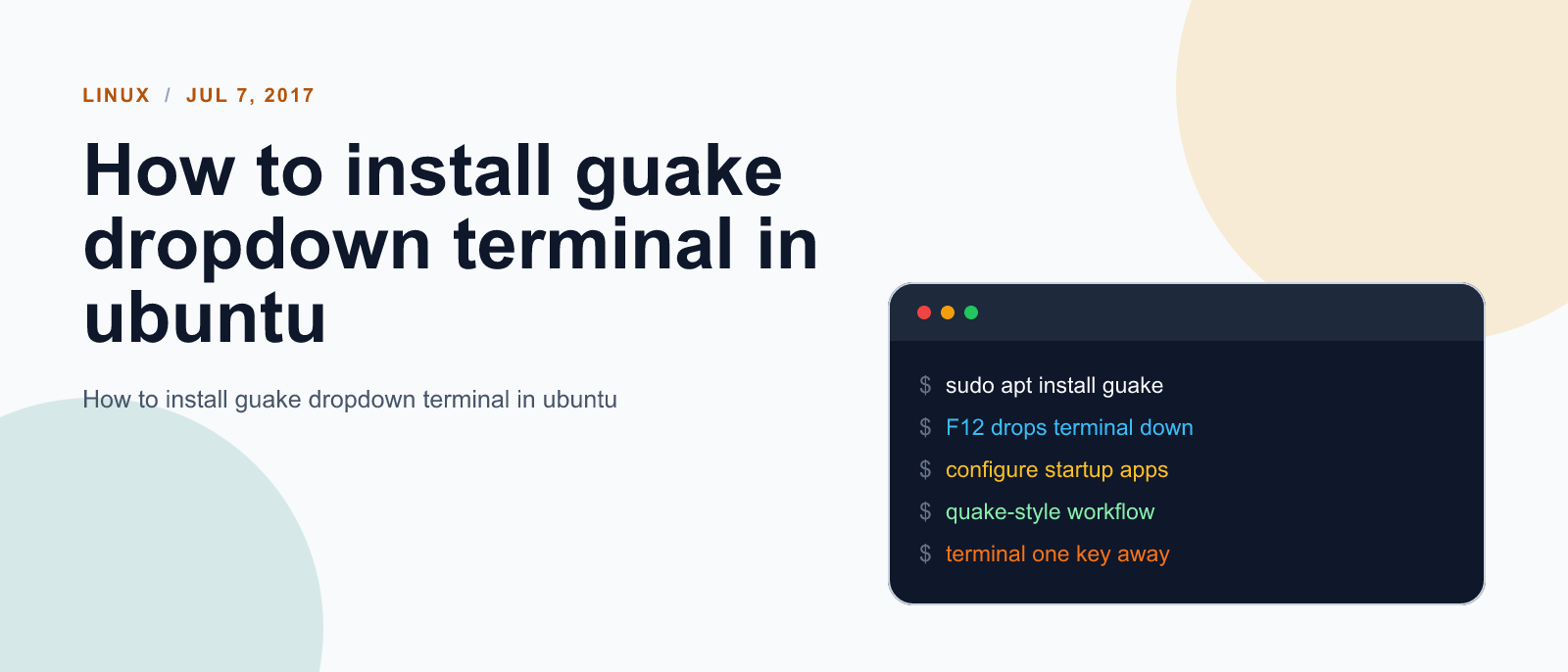
Guake is a drop-down terminal for GNOME Desktop Environment. Like similar terminals, it is invoked with a single key, and hidden by pressing the same key again.
Install guake
We can install guake by entering following commands in the terminal. Here we first add webupd6team ppa which maked guake available for us.
Then we run apt-update and finally are able to install guake.
sudo add-apt-repository ppa:webupd8team/unstable
sudo apt update
sudo apt install guake
Setup guake to automatically start at login
We have our dropdown terminal installed but we don’t want to search for this app and click to start; each time we start our devlopment machine.
To make guake automatically start at startup we need to create startup entry for this app. We can do this by entering following commands in the terminal.
sudo ln -s /usr/share/applications/guake.desktop /etc/xdg/autostart/References:

Keep reading
Fix mise GitHub Rate Limit with a Token
mise makes unauthenticated GitHub API calls by default. When you hit the rate limit installing tools, a personal access token (no scopes required) fixes it permanently.

How to solve Deployment Failure-`assets:precompile`
I was trying to deploy rails 6 app on ec2 server using capistrano when precompile failure lead to whole deploymentt failure. I had to uninstall cmdtest and install yarn

How to Sort an Array of Objects in JavaScript
How to Sort an Array of Objects in JavaScript
What did you take away?
Thoughts, pushback, or a story of your own? Drop a reply below — I read every one.
Comments are powered by Disqus. By posting you agree to theirterms.