Curly Brackets in Linux Command Line
few use cases of curly brackets in linux terminal
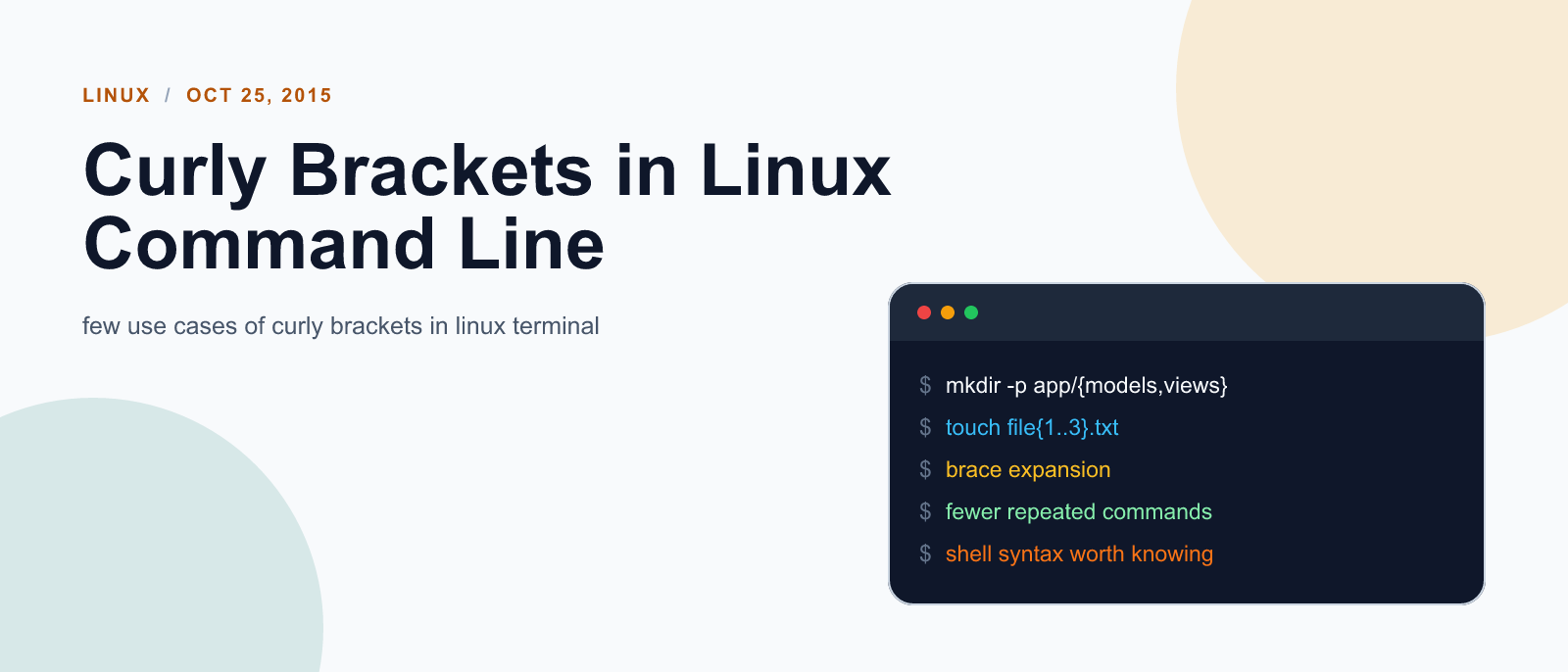
Here are few use cases of curly brackets in linux terminal.
Selective deletion
If you have a directory that contains ten subdirectories and you want to delete three of them, the slow way to do it would be like this:
rm -rf /home/hudzilla/work
rm -rf /home/hudzilla/projects
rm -rf /home/hudzilla/sandbox
But that’s pretty darn slow and open to making mistakes - a much smarter way to is to let Bash perform multiple filename expansion by placing the options inside braces. For example, this would achieve the same as the three lines from above:
rm -rf /home/hudzilla/{work,projects,sandbox}creation of multiple folders from single command
If you want to create three subdirectory inside a directory, the slow way to do it would be like this:
mkdir /home/hudzilla/work
mkdir /home/hudzilla/projects
mkdir /home/hudzilla/sandbox
Same could also be achieved by:
mkdir /home/hudzilla/{work,projects,sandbox}However having space after , will have unexpected effect:
It will create folders named: {work, projects,, sandbox}
Also you need to already have folder inside which you want to create sub-directories. In case of example mentioned here, there need to be folder named hudzilla.

Keep reading

Fix mise GitHub Rate Limit with a Token
mise makes unauthenticated GitHub API calls by default. When you hit the rate limit installing tools, a personal access token (no scopes required) fixes it permanently.

How to solve Deployment Failure-`assets:precompile`
I was trying to deploy rails 6 app on ec2 server using capistrano when precompile failure lead to whole deploymentt failure. I had to uninstall cmdtest and install yarn

How to Sort an Array of Objects in JavaScript
How to Sort an Array of Objects in JavaScript
What did you take away?
Thoughts, pushback, or a story of your own? Drop a reply below — I read every one.
Comments are powered by Disqus. By posting you agree to theirterms.