code-quality
install watchman in ubuntu
how to install watchman in ubuntu
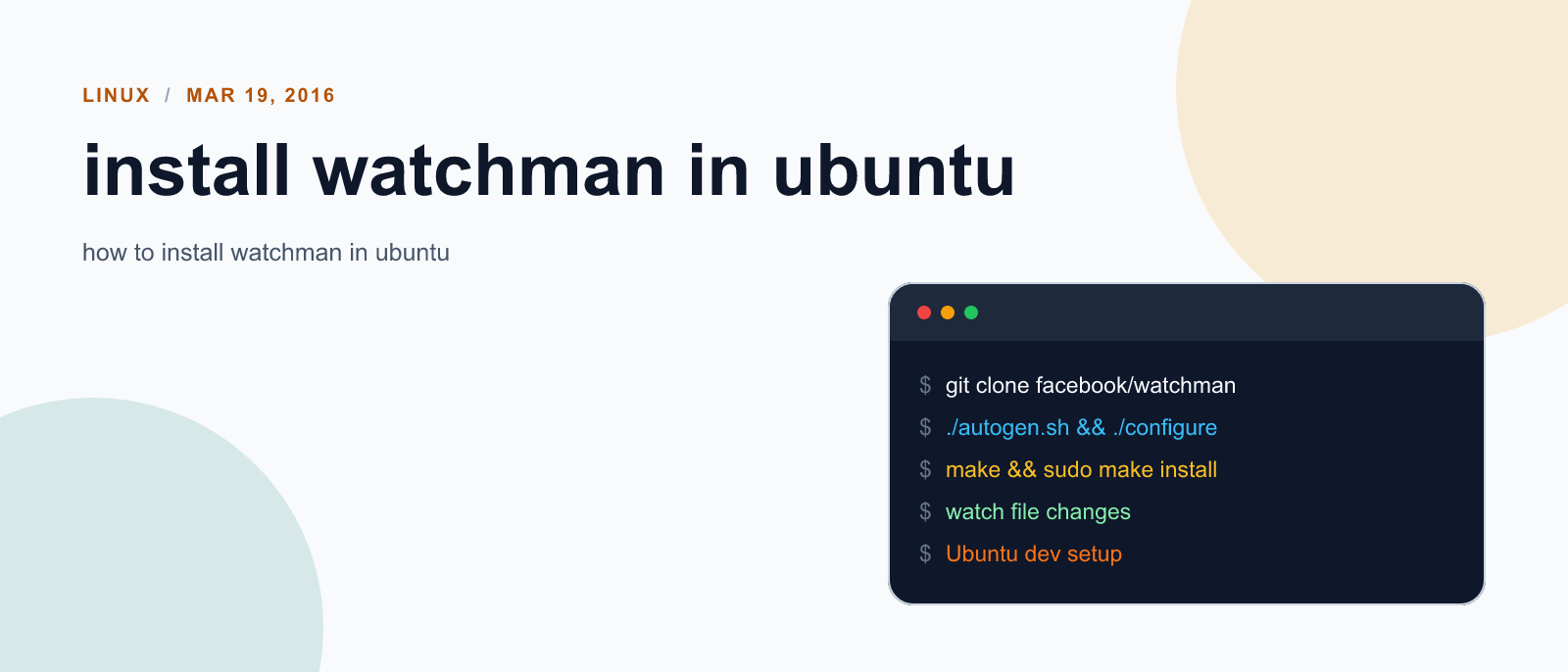
Step 1: Install dependent files
$ sudo apt-get install automake autoconf python-dev build-essentialStep 2: Install watchman
$ git clone https://github.com/facebook/watchman.git
$ cd watchman
$ git checkout v4.5.0  # the latest stable release
$ ./autogen.sh
$ ./configure
$ make
$ sudo make install
References:
- <a href=https://facebook.github.io/watchman/docs/install.html rel=“nofollow” target=“_blank”>https://facebook.github.io/watchman/docs/install.html
- <a href=http://stackoverflow.com/questions/33592197/how-to-install-facebook-watchman-on-ubuntu rel=“nofollow” target=“_blank”>http://stackoverflow.com/questions/33592197/how-to-install-facebook-watchman-on-ubuntu
- <a href=http://stackoverflow.com/questions/21530577/fatal-error-python-h-no-such-file-/or-directory rel=“nofollow” target=“_blank”>http://stackoverflow.com/questions/21530577/fatal-error-python-h-no-such-file-/or-directory

Keep reading
code-quality
Fix mise GitHub Rate Limit with a Token
mise makes unauthenticated GitHub API calls by default. When you hit the rate limit installing tools, a personal access token (no scopes required) fixes it permanently.

code-quality
How to solve Deployment Failure-`assets:precompile`
I was trying to deploy rails 6 app on ec2 server using capistrano when precompile failure lead to whole deploymentt failure. I had to uninstall cmdtest and install yarn

code-quality
How to Sort an Array of Objects in JavaScript
How to Sort an Array of Objects in JavaScript
What did you take away?
Thoughts, pushback, or a story of your own? Drop a reply below — I read every one.
Comments are powered by Disqus. By posting you agree to theirterms.