Comparison Operators
comparison operators in js
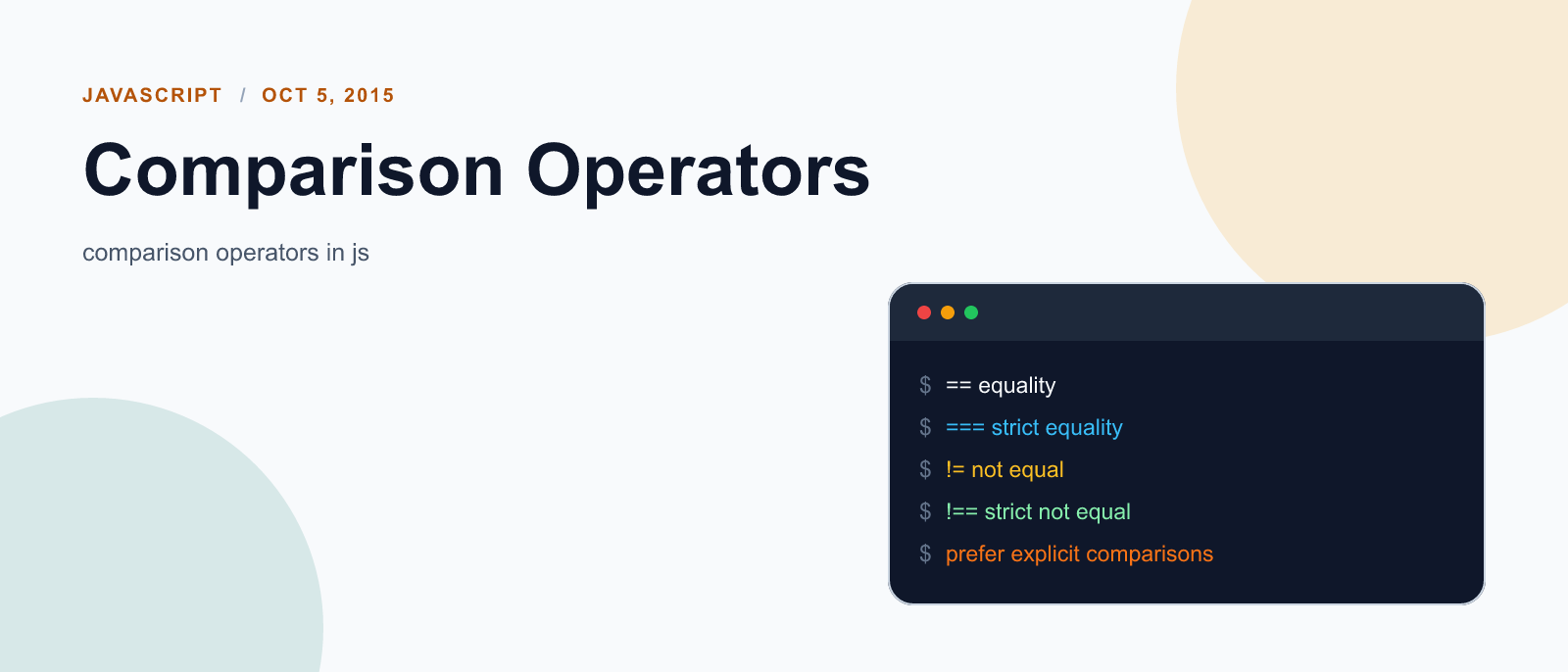
strict vs type–converting comparisons
| Strict comparision | Type converting comparison |
|---|---|
| 1. A strict comparison (e.g., ===) is only true if the operands are of the same type. | 1. abstract comparison (e.g. ==) converts the operands to the same Type before making the comparison. |
More features of comparisons:
- Two strings are strictly equal when they have the same sequence of characters, same length, and same characters in corresponding positions.
- Two numbers are strictly equal when they are numerically equal (have the same number value). NaN is not equal to anything, including NaN. Positive and negative zeros are equal to one another.
- Two Boolean operands are strictly equal if both are true or both are false.
- Two distinct objects are never equal for either strict or abstract comparisons.
- An expression comparing Objects is only true if the operands reference the same Object.
- Null and Undefined Types are strictly equal to themselves and abstractly equal to each other.
Equality operators
Equality (==)
The equality operator converts the operands if they are not of the same type, then applies strict comparison. If both operands are objects, then JavaScript compares internal references which are equal when operands refer to the same object in memory.
//syntax
x == y
//examples
1 == 1 // true
"1" == 1 // true
1 == '1' // true
0 == false // true
0 == null // false
0 == undefined // false
null == undefined // trueInequality (!=)
The inequality operator returns true if the operands are not equal. If the two operands are not of the same type, JavaScript attempts to convert the operands to an appropriate type for the comparison. If both operands are objects, then JavaScript compares internal references which are not equal when operands refer to different objects in memory.
//syntax
x != y
//examples
1 != 2 // true
1 != "1" // false
1 != '1' // false
1 != true // false
0 != false // falseIdentity / strict equality (===)
The identity operator returns true if the operands are strictly equal (see above) with no type conversion.
//syntax
x === y
//examples
3 === 3 // true
3 === '3' // falseNon-identity / strict inequality (!==)
The non-identity operator returns true if the operands are not equal and/or not of the same type.
//syntax
x !== y
//examples
3 !== '3' // true
4 !== 3 // trueRelational operators
Greater than operator (>)
The greater than operator returns true if the left operand is greater than the right operand.
//syntax
x > y
//examples
4 > 3 // trueGreater than or equal operator (>=)
The greater than or equal operator returns true if the left operand is greater than or equal to the right operand.
//syntax
x >= y
//examples
4 >= 3 // true
3 >= 3 // trueLess than operator (<)
The less than operator returns true if the left operand is less than the right operand.
//syntax
x < y
//examples
3 < 4 // trueLess than or equal operator (<=)
The less than or equal operator returns true if the left operand is less than or equal to the right operand.
//syntax
 x <= y
//examples
3 <= 4 // trueWhen Type conversion is involved in the comparison (i.e., non–strict comparison), JavaScript converts Type String, Number, Boolean, or Object operands as follows:
- When comparing a number and a string, the string is converted to a number value. JavaScript attempts to convert the string numeric literal to a Number type value. First, a mathematical value is derived from the string numeric literal. Next, this value is rounded to nearest Number type value.
- If one of the operands is Boolean, the Boolean operand is converted to 1 if it is true and +0 if it is false.
- If an object is compared with a number or string, JavaScript attempts to return the default value for the object. Operators attempt to convert the object to a primitive value, a String or Number value, using the valueOf and toString methods of the objects. If this attempt to convert the object fails, a runtime error is generated.

Keep reading

Fix mise GitHub Rate Limit with a Token
mise makes unauthenticated GitHub API calls by default. When you hit the rate limit installing tools, a personal access token (no scopes required) fixes it permanently.

How to solve Deployment Failure-`assets:precompile`
I was trying to deploy rails 6 app on ec2 server using capistrano when precompile failure lead to whole deploymentt failure. I had to uninstall cmdtest and install yarn

How to Sort an Array of Objects in JavaScript
How to Sort an Array of Objects in JavaScript
What did you take away?
Thoughts, pushback, or a story of your own? Drop a reply below — I read every one.
Comments are powered by Disqus. By posting you agree to theirterms.