Installing Nokogiri Gem Less Painfully
Installing Nokogiri gem less painfully
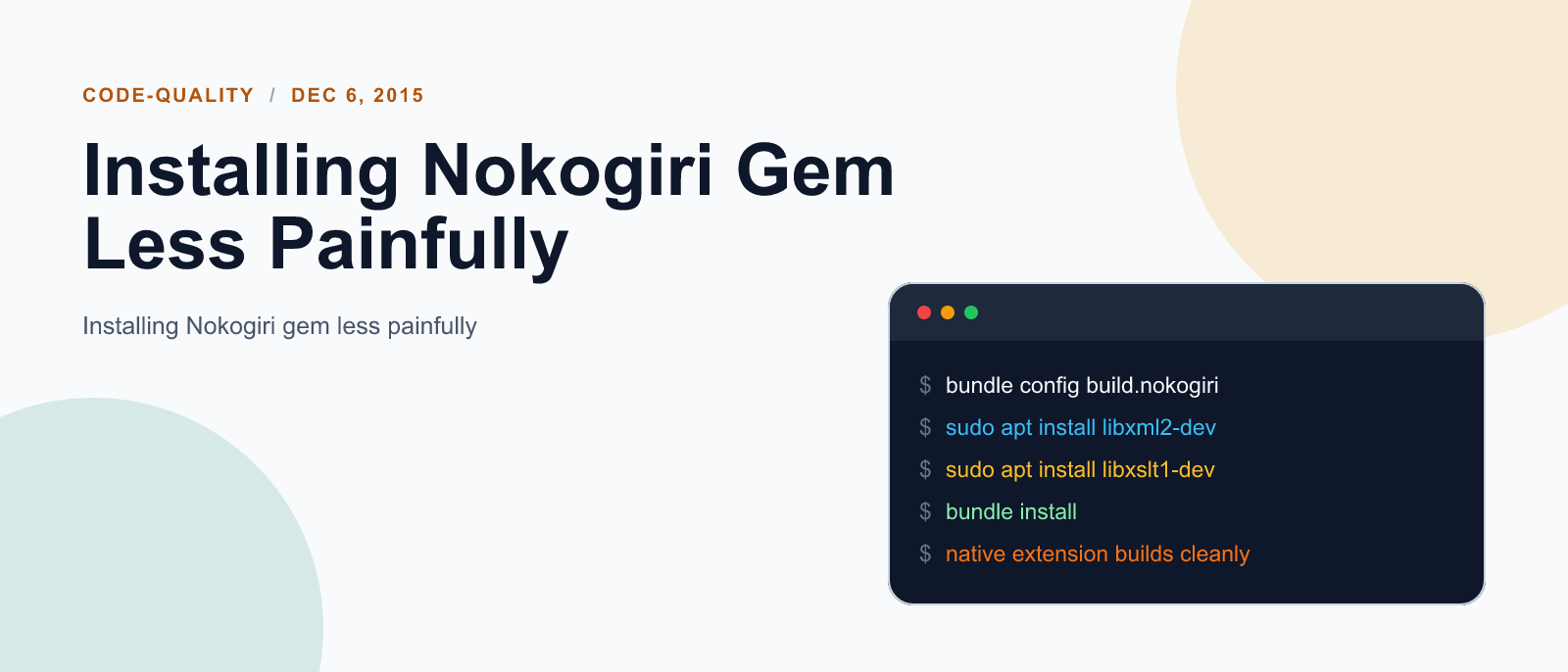
Story-telling
I think I have already faced this pain of installing nokogiri multiple times in my journey as rails developer. This time let me document whatever I do for successful installation so that my future self will have a good place of reference.
Let’s install nokogiri together
So here I begin with installing nokogiri skipping documentations.
gem install nokogiri -q --no-rdoc --no-riYeeaaah! got the error!
Building native extensions.  This could take a while...
ERROR:  Error installing nokogiri:
	ERROR: Failed to build gem native extension.

    /home/prakash/.rvm/rubies/ruby-2.2.3/bin/ruby -r ./siteconf20151206-24990-5h73vv.rb extconf.rb
checking if the C compiler accepts ... *** extconf.rb failed ***
Could not create Makefile due to some reason, probably lack of necessary
libraries and/or headers.  Check the mkmf.log file for more details.  You may
need configuration options.

Provided configuration options:
	--with-opt-dir
	--without-opt-dir
	--with-opt-include
	--without-opt-include=${opt-dir}/include
	--with-opt-lib
	--without-opt-lib=${opt-dir}/lib
	--with-make-prog
	--without-make-prog
	--srcdir=.
	--curdir
	--ruby=/home/prakash/.rvm/rubies/ruby-2.2.3/bin/$(RUBY_BASE_NAME)
	--help
	--clean
/home/prakash/.rvm/rubies/ruby-2.2.3/lib/ruby/2.2.0/mkmf.rb:456:in `try_do': The compiler failed to generate an executable file. (RuntimeError)
You have to install development tools first.
	from /home/prakash/.rvm/rubies/ruby-2.2.3/lib/ruby/2.2.0/mkmf.rb:571:in `block in try_compile'
	from /home/prakash/.rvm/rubies/ruby-2.2.3/lib/ruby/2.2.0/mkmf.rb:522:in `with_werror'
	from /home/prakash/.rvm/rubies/ruby-2.2.3/lib/ruby/2.2.0/mkmf.rb:571:in `try_compile'
	from extconf.rb:80:in `nokogiri_try_compile'
	from extconf.rb:87:in `block in add_cflags'
	from /home/prakash/.rvm/rubies/ruby-2.2.3/lib/ruby/2.2.0/mkmf.rb:619:in `with_cflags'
	from extconf.rb:86:in `add_cflags'
	from extconf.rb:336:in `<main>'

extconf failed, exit code 1

Gem files will remain installed in /home/prakash/.rvm/gems/ruby-2.2.3/gems/nokogiri-1.6.7 for inspection.
Results logged to /home/prakash/.rvm/gems/ruby-2.2.3/extensions/x86_64-linux/2.2.0/nokogiri-1.6.7/gem_make.out
I don’t actually care about that really long error! I have figured out, it’s about missing dependency. So here I try something from suggestions @ stack overflow.
sudo apt-get install libxslt-dev libxml2-devBut some errors persist. So now I follow nokogiri instructions for ubuntu
# make sure you have all the tooling necessary to compile C extensions
sudo apt-get install build-essential patch

# this is final try to fix dependencies
sudo apt-get install ruby-dev zlib1g-dev
After that I again tried installing nokogiri:
gem install nokogiri -q --no-rdoc --no-ri
And this time it installs without any problem.
TLDR;
# install all dependencies
sudo apt-get install libxslt-dev libxml2-dev ruby-dev zlib1g-dev

# install the nokogiri
gem install nokogiri -q --no-rdoc --no-ri
Keep reading
Fix mise GitHub Rate Limit with a Token
mise makes unauthenticated GitHub API calls by default. When you hit the rate limit installing tools, a personal access token (no scopes required) fixes it permanently.

How to solve Deployment Failure-`assets:precompile`
I was trying to deploy rails 6 app on ec2 server using capistrano when precompile failure lead to whole deploymentt failure. I had to uninstall cmdtest and install yarn
How to Sort an Array of Objects in JavaScript
How to Sort an Array of Objects in JavaScript
What did you take away?
Thoughts, pushback, or a story of your own? Drop a reply below — I read every one.
Comments are powered by Disqus. By posting you agree to theirterms.