Magically Disappearing Ports – 80 and 443
Why we don't need to enter port number in a browser address bar.
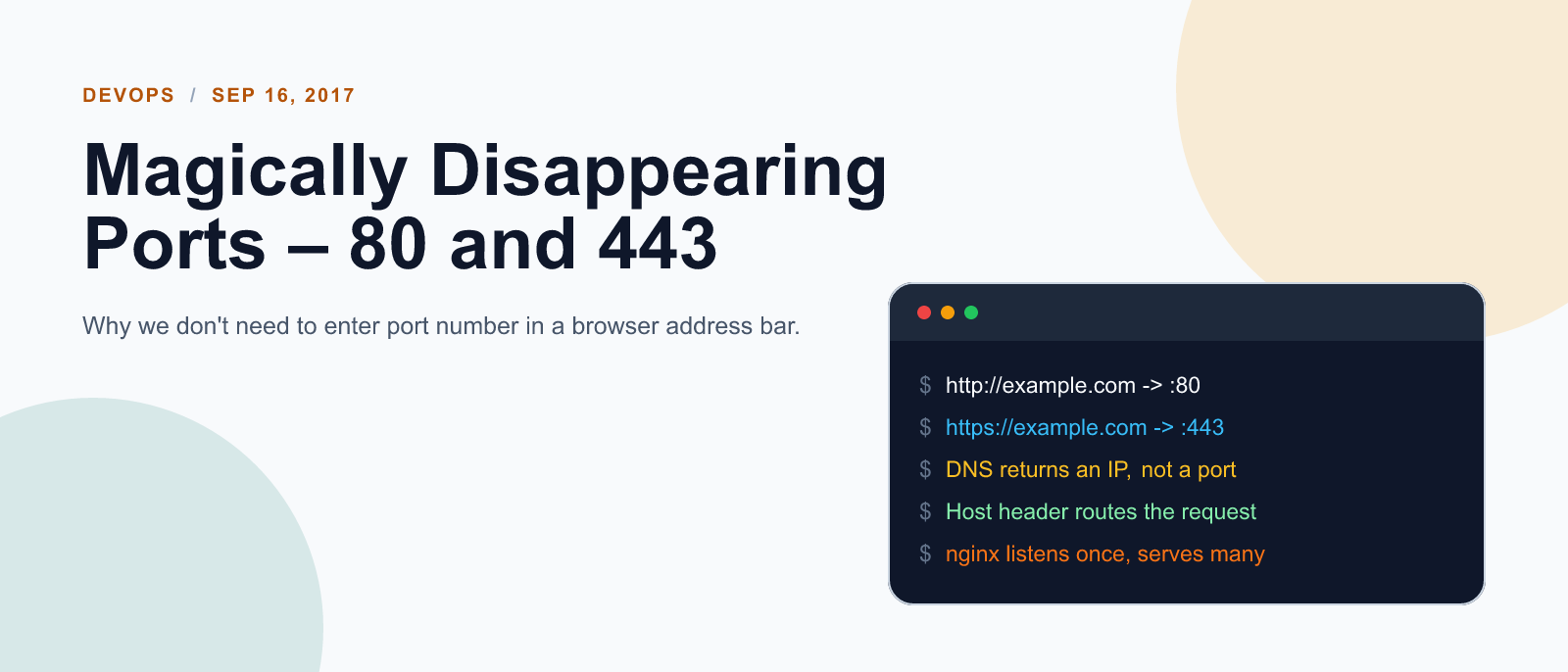
DNS can’t tell you what port a web server is on, only the IP address, so your browser always has to assume that the web browser is going to be there on port 80. When you have another protocol like HTTPS, it specifies its own default port (443) so that means when you use HTTPS to connect to a website your browser is again always going to have to just assume its going to be there on port 443.
This also explains why you can’t run more than one web server on port 80 and 443. If a connection or packet comes in – who does it go to? the first web server? or the second?
If you’re running multiple web sites from one computer they have to all be served from one web server application (like Apache or IIS), because then all connections go to that one application, and it can look for the website domain being asked for (e.g. www.google.com) in the HTTP request and it knows which website the request is for.
It also explains why you never see any port when you look in a browser address bar. Instead you see: http://www.google.com/.
No port?
But that is just because your browser doesn’t want to complicate life for you by sticking :80 on the end: http://www.google.com:80/ or :443 in the case of HTTPS, https://www.google.com:443/

Keep reading
What did you take away?
Thoughts, pushback, or a story of your own? Drop a reply below — I read every one.
Comments are powered by Disqus. By posting you agree to theirterms.