Setup Nodejs in Ubuntu
setup nodejs in ubuntu, avoid running npm as root
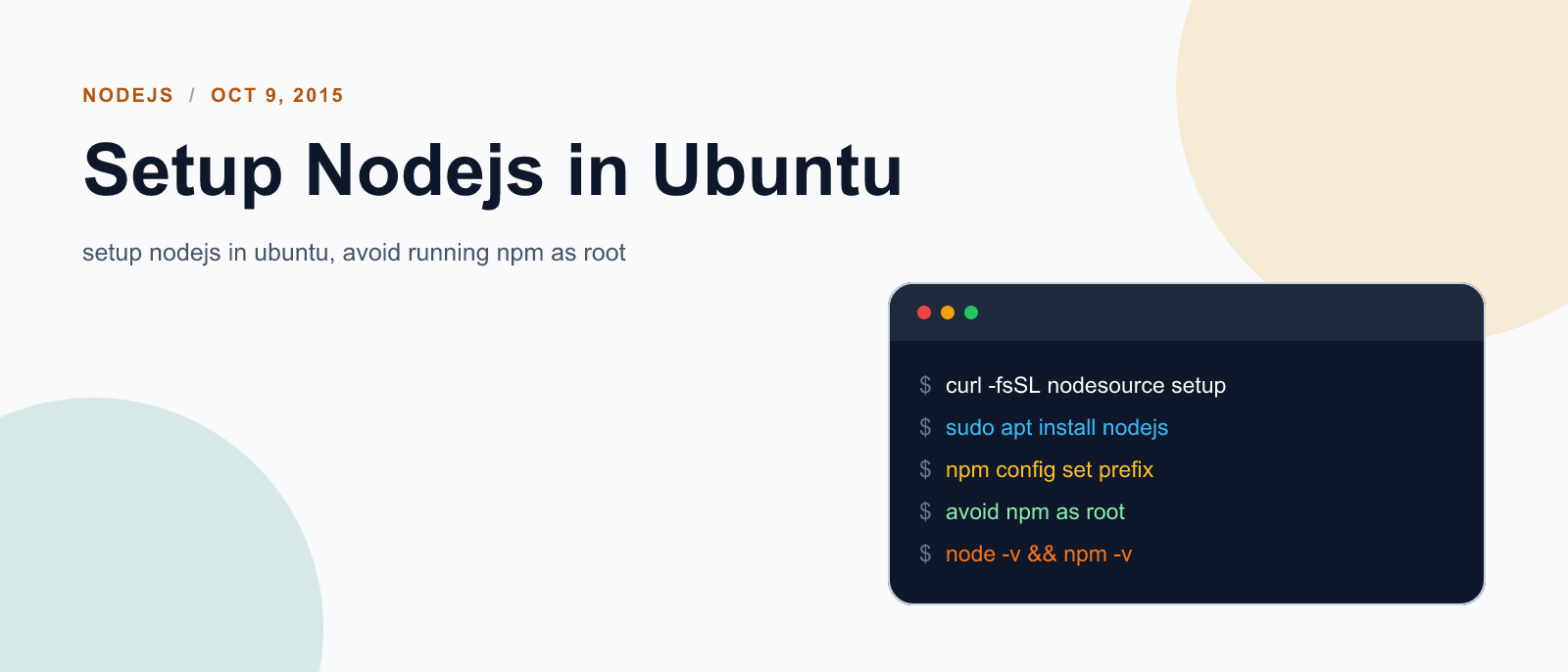
This tutorial has been updated with installation instruction for nodejs6.
Installation
To setup nodejs in ubuntu run following command
sudo curl -sL https://deb.nodesource.com/setup_6.x | sudo -E bash -
sudo apt-get install -y nodejs
First command adds nodejs repo to software sources. This might be helpful in getting update automatically whenever you run sudo apt-get-update. Second command is simply software installation command in ubuntu.
This will also install install npm. Now to install other node packages you can run command like sudo npm install <package name>.
Locating node modules
Location of node_modules may be hard to find. Here is how I found out:
I listed all global node modules with this command: `npm list -g —depth=0’. Output was like:
/usr/lib
├── bower@1.5.3
├── express@4.13.3
├── gulp@3.9.0
├── npm@3.3.12
└── socket.io@1.3.7
First line tells the location of node modules, which was /usr/lib.
Avoid running npm as root
Recently I ran into problem where running npm with sudo command would do nothing and npm command without sudo would not install packages either. Thus I thought of changing owner of node modules to myself so that I need not use npm as root user. Turned out that; not running npm as root user is actually a good practice. So here is what can be done, second method is my preferred one as I don’t format my /home folder when I format or fresh install newer ubuntu versions and I wont need to reinstall global node packages later.
option1: Change the permission to npm’s default directory
sudo chown -R `whoami` /usr/lib/node_modules/option 2: Change npm’s default directory to another directory
# make a directory for global installations:
mkdir ~/.npm-global
# configure npm to use the new directory path:
npm config set prefix '~/.npm-global'
# Open or create a ~/.profile file and add this line:
export PATH=~/.npm-global/bin:$PATH
# Back on the command line, update your system variables:
source ~/.profile
Now we no longer need to run npm with sudo command. This can be tested with following command:
npm install -g jshintReferences:
- nodejs installation instructions
- <a href=https://docs.npmjs.com/getting-started/fixing-npm-permissions rel=“nofollow” target=“_blank”>fixing npm permissions

Keep reading
Fix mise GitHub Rate Limit with a Token
mise makes unauthenticated GitHub API calls by default. When you hit the rate limit installing tools, a personal access token (no scopes required) fixes it permanently.

How to solve Deployment Failure-`assets:precompile`
I was trying to deploy rails 6 app on ec2 server using capistrano when precompile failure lead to whole deploymentt failure. I had to uninstall cmdtest and install yarn
How to Sort an Array of Objects in JavaScript
How to Sort an Array of Objects in JavaScript
What did you take away?
Thoughts, pushback, or a story of your own? Drop a reply below — I read every one.
Comments are powered by Disqus. By posting you agree to theirterms.